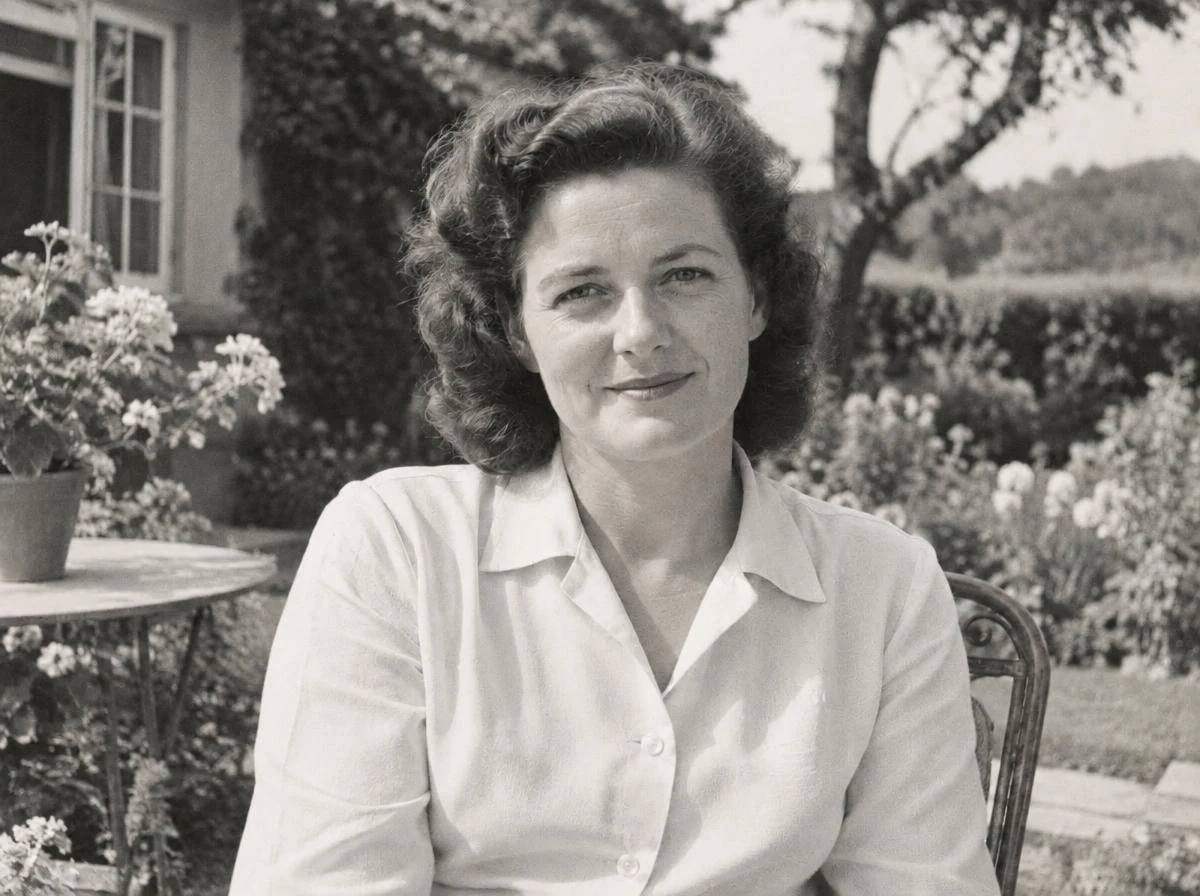

Soft focus or camera movement?
Use deblurring when edges look smeared. If you see grain instead, start with noise reduction.
Unblur a photoUpload · Edit · Download
Remove grain and color noise from high-ISO, scanned or compressed images.
 Sample original
No photo handy? Start with this sample.
Drop a photo here or choose a file
JPG, PNG or WebP · up to 20 MiB and 16 MP
Selecting an image does not spend credits.
Compare texture and smooth areas after noise reduction. Avoid removing so much texture that the image looks painted.

Synthetic sample images processed with our tools. Results vary by image; check details at full size.
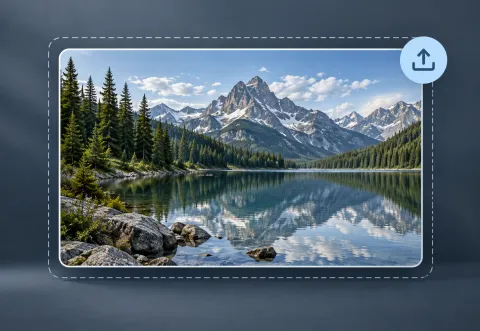
Choose a clear original and keep a copy.
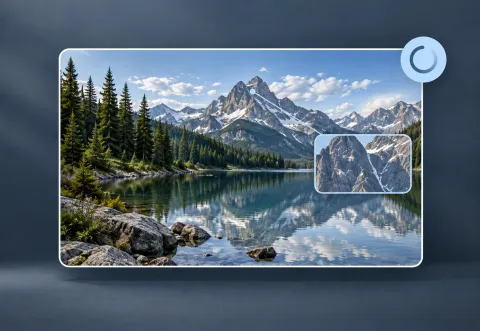
Review the credit quote before starting AI processing.
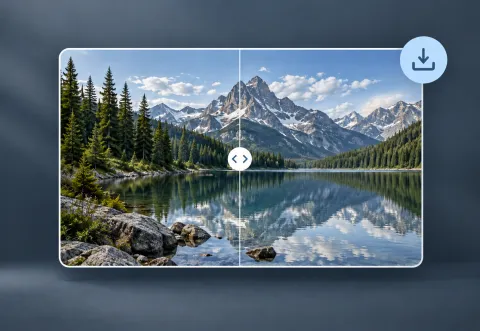
Compare the result with the original and export the format you need.
Your photos remain private. Visitor work is temporary; signed-in tasks follow account retention rules.
AI may reinterpret details. Review faces, text, edges and textures before using a result.
YOUR NEXT STEP
Keep the result you like, then choose one focused tool for the next change.
Use deblurring when edges look smeared. If you see grain instead, start with noise reduction.
Unblur a photoReview foliage, stone and distant detail. For grain in a night scene, start with noise reduction.
Enhance a landscapeImprove a faded or lightly damaged scan first. Keep the untouched original as your reference.
Restore an old photoNew here? Follow the upload-to-download guide or browse all photo tools.