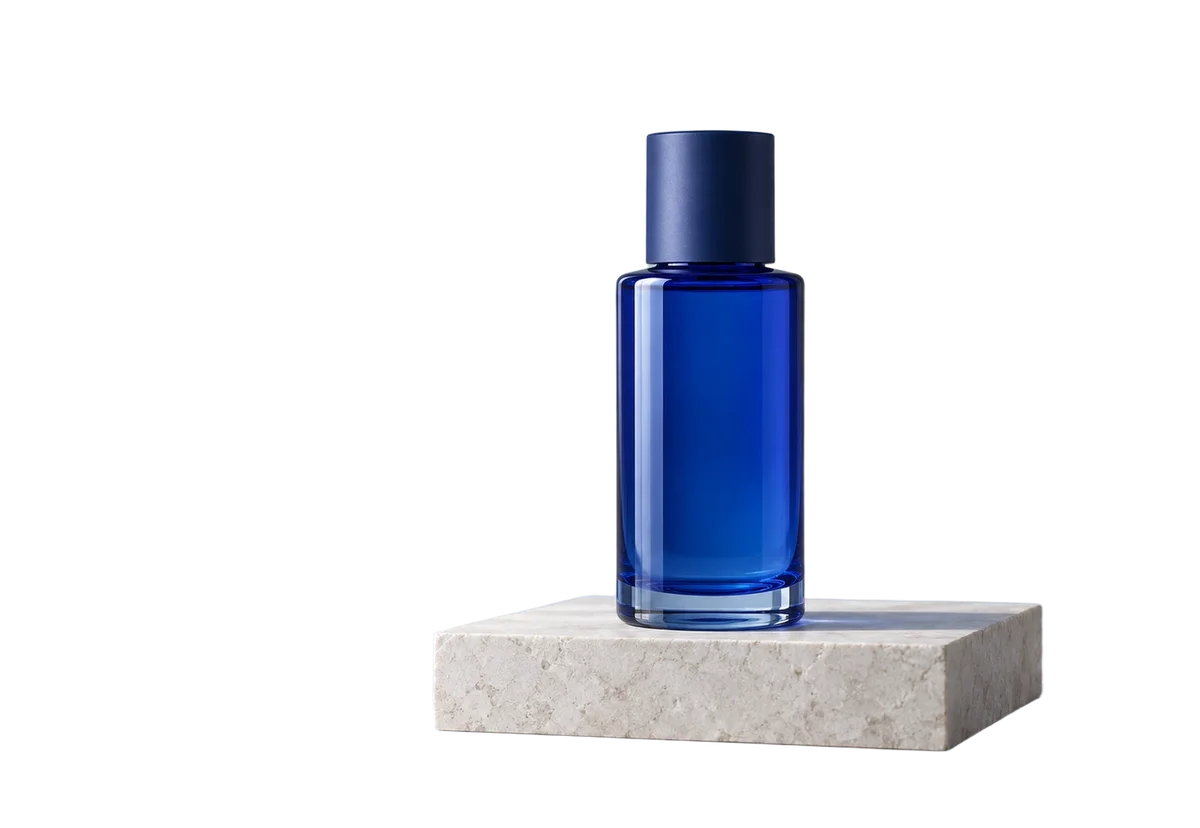
Loading the comparison…
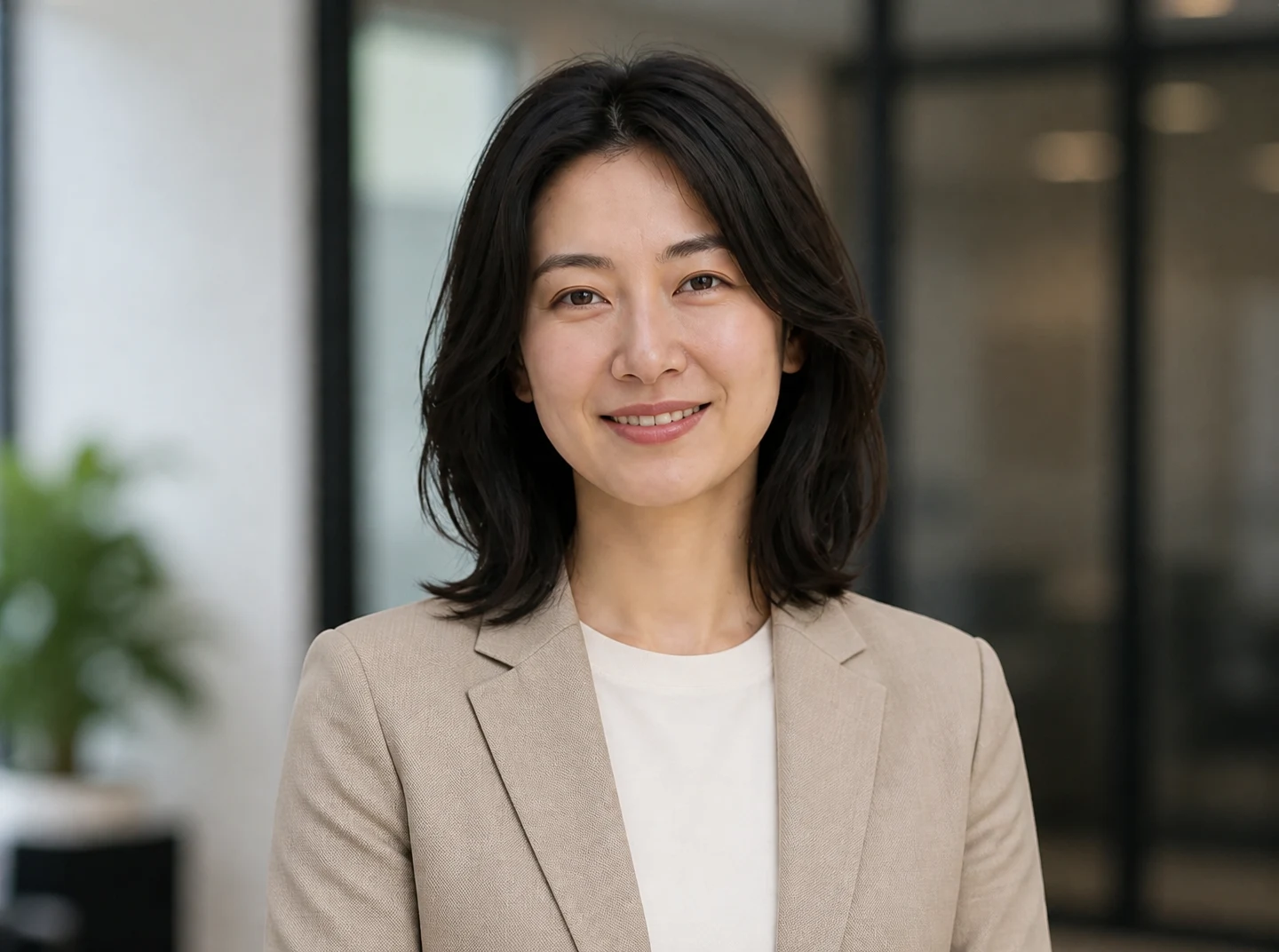
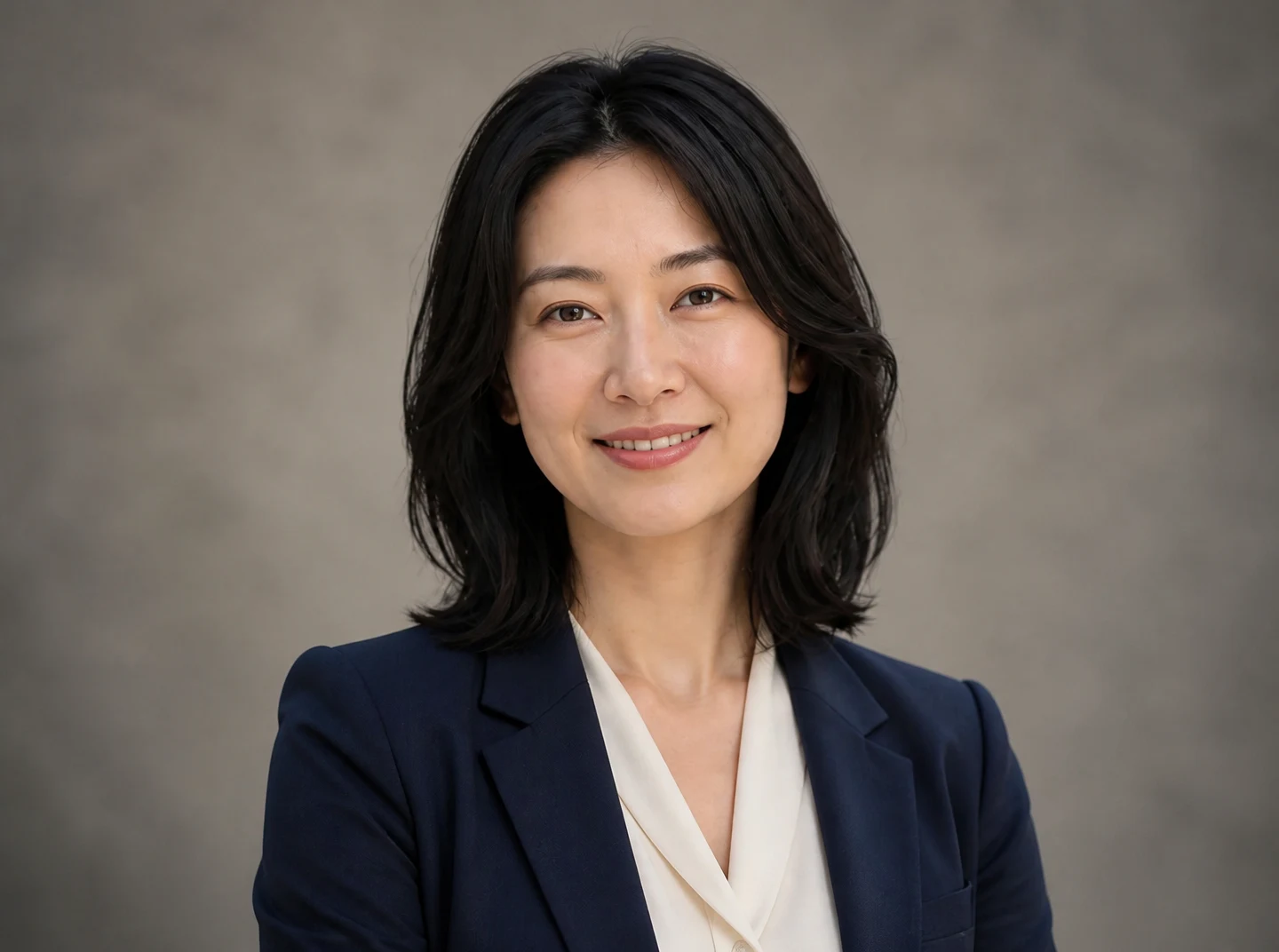
Formal business
Choose a professional style suited to your role, from a formal business portrait to a more relaxed creative profile.
Use this presetEnhanceMyPhoto image tools
Choose formal, business casual or creative styling, then set the background and outfit. You can also guide those elements with separate references.
JPG, PNG or WebP · up to 20 MB and 16 MP each
Up to 20 source images. Batch processing uses your existing membership access.
Loading tool configuration…
Review the credit cost before processing. Uploading and browsing presets do not use AI credits.
Ready
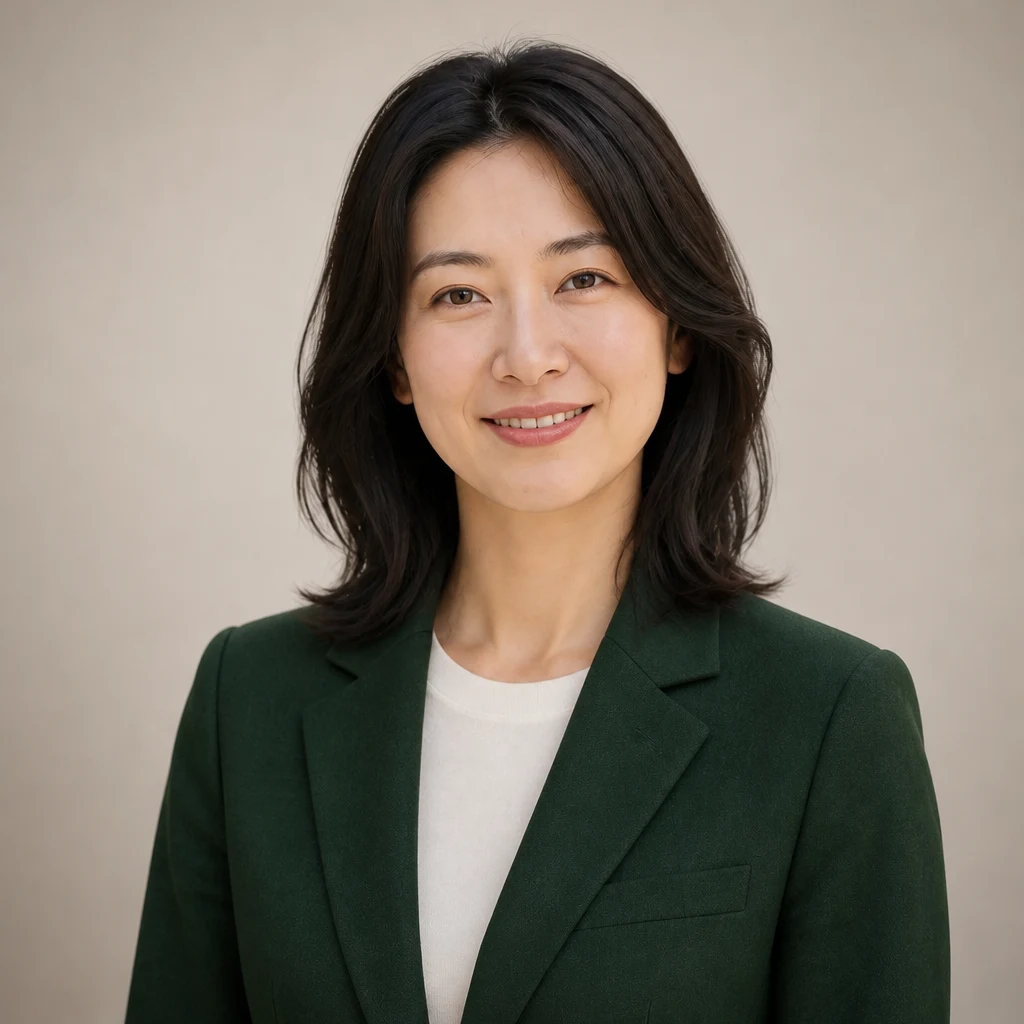
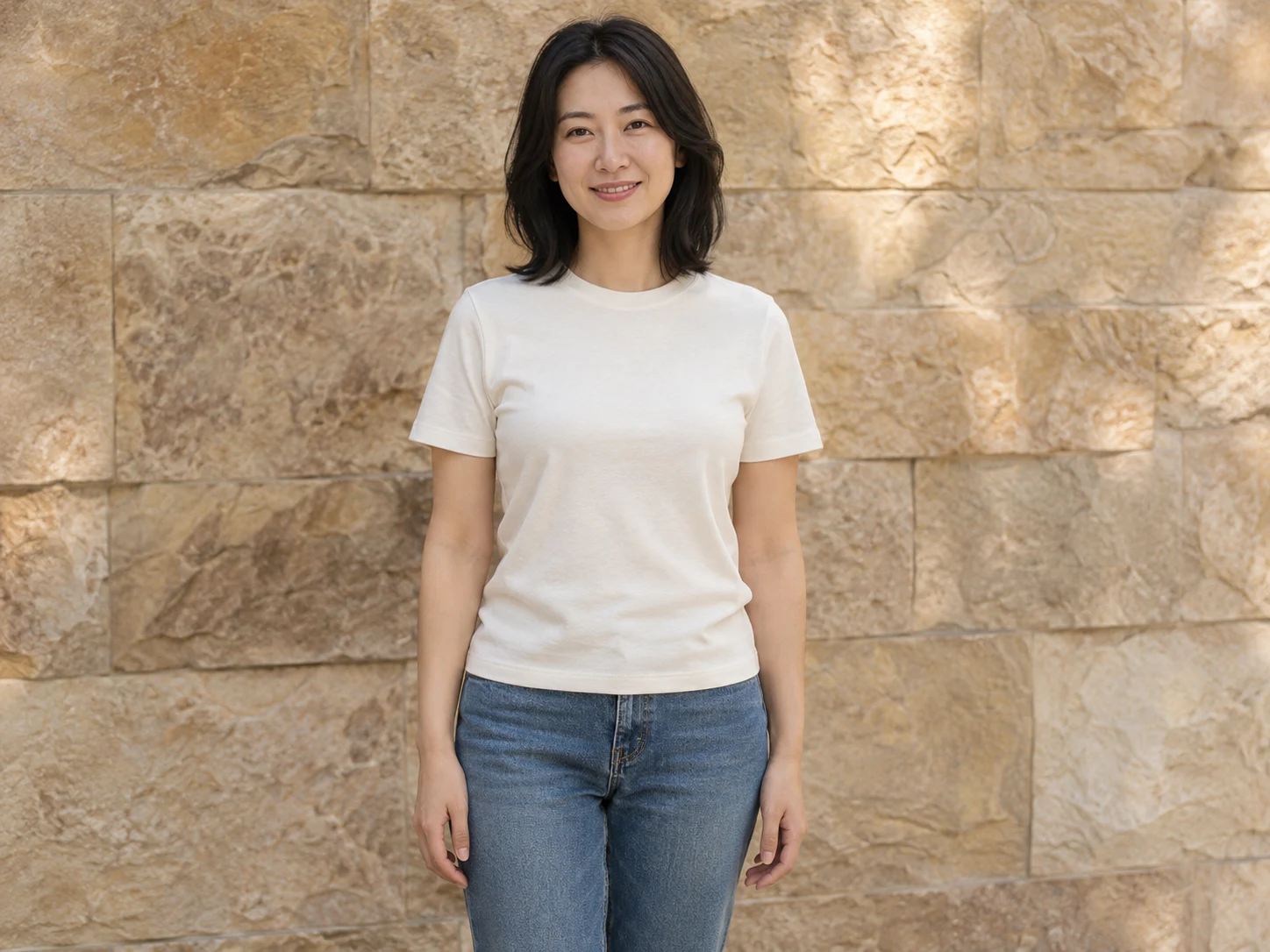 OriginalResult
About this tool
An AI headshot generator turns a person photo into a work profile portrait. Enhance My Photo offers formal, business casual and creative styles with background and outfit presets or separate references.
Processed result
Drag each comparison to inspect the edit. Choose a preset to try the same approach with your own photo.
Choose a professional style suited to your role, from a formal business portrait to a more relaxed creative profile.
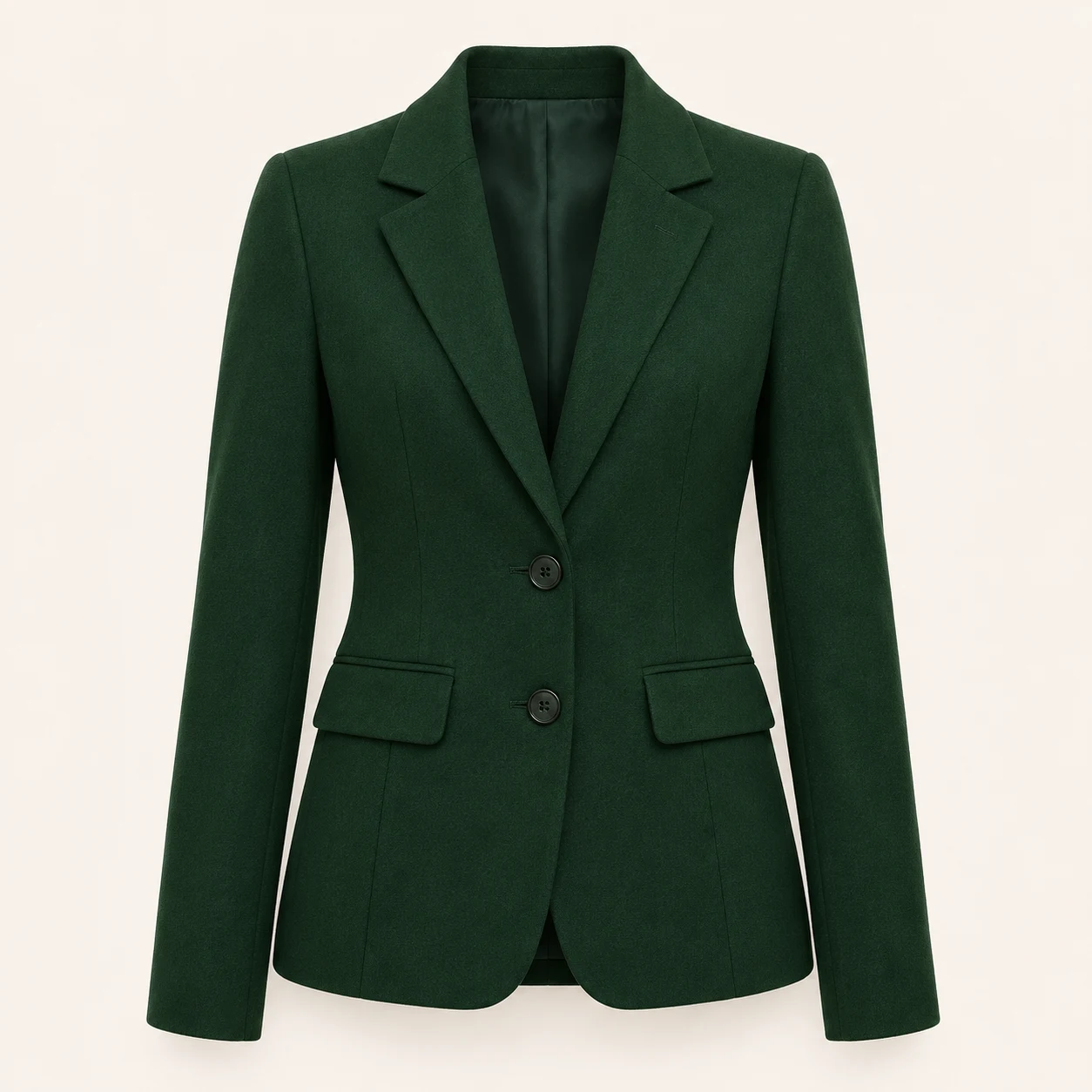
Use this presetGuide background and clothing independently. Use one background reference and one garment reference with a compatible model.
Use this presetChoose an output ratio for a profile, author page or speaker bio. Leave room around the head for later cropping.
Use this presetAI headshot generator
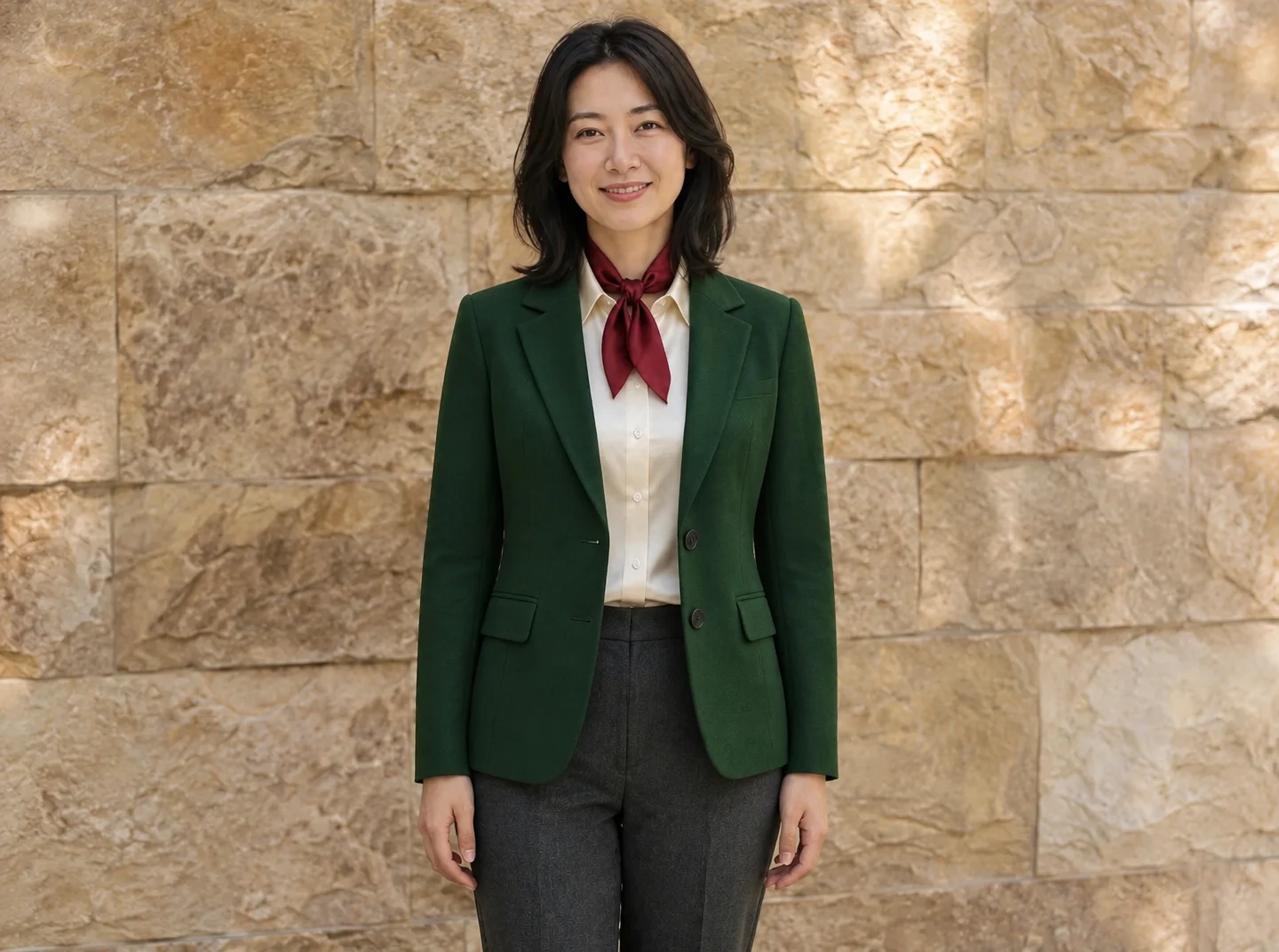
Guide background and clothing independently. Use one background reference and one garment reference with a compatible model.
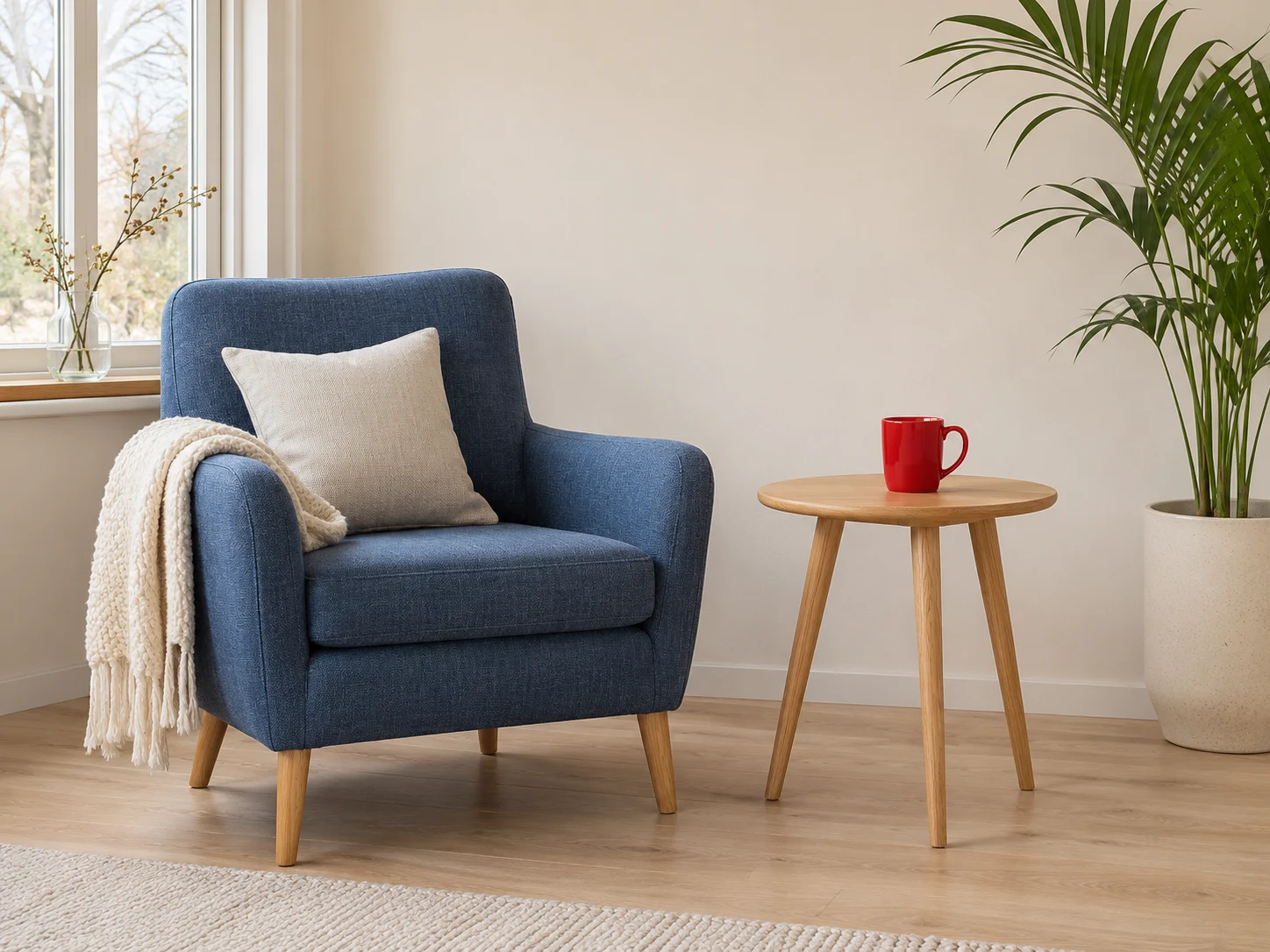
These are example reference inputs. Your source supplies the subject; your references guide their assigned element. Add your own references in the workbench.
AI headshot generator
Upload a recent photo of one person with a clear face and even lighting.
Choose a style, background and outfit, or add separate references. Select the aspect ratio and quality.
Review credits, generate and compare identity details before downloading your new portrait.
A focused workflow for your image
Review the credit cost before processing. Uploading and browsing presets do not use AI credits.
Use a single person with visible shoulders. Avoid sunglasses, strong filters and a face partly hidden by hair.
Choose clothes and a setting that match the actual work context. A simple background often gives the face more attention.
Inspect eyes, teeth, face shape and hair. Use the image cropper afterwards if the destination needs a specific crop.
Previews show results made with this tool from our synthetic sample images. A preset fills in settings; it never starts processing or spends credits.
AI headshot generator
Use a recent photo of one person with a clear face, even light and visible head and shoulders. The generated result can change identity details, so compare eyes, skin, face shape and hair before using it.
No. This workflow starts with one person photo and optional background or garment references. There is no separate personal model training step.
Yes. Use presets in automatic mode, or upload one background reference and one garment reference. The model must support at least three input images.
Choose a suitable ratio and review that the image still represents you accurately. Crop for the destination after downloading, and follow that service’s requirements.
Upload a static JPG, PNG or WebP up to 20 MB and 16 megapixels. References have the same limits. Use the best original available.
The server checks the cost before processing. If the quote changes, you must confirm it. Uploading, choosing presets and viewing existing results do not start a paid generation.
Batch access follows your current membership, with up to 20 source images. Every masked edit needs its own saved selection. Failed items can be retried with a new quote.
Download the original result here. Signed in accounts can use history according to their retention policy. Temporary guest results need the active session and expire.
AI can estimate or redraw details. Compare faces, text, product labels and fine texture with your original. Keep the original and review the result before publishing.
YOUR NEXT STEP
Keep the result you like, then choose one focused tool for the next change.
Enhance a portrait while checking eyes, hair and skin against the original. Keep the version that still looks like the person.
Enhance a portraitUpload a person photo and up to four garment references, or describe an outfit. Compare the face, hands, fabric and fit before saving.
AI clothes changerRemove the background and export transparent PNG for a layout, product listing or collage. Check hair and glass edges.
Background RemoverAdd your source, choose the change, and review the credit cost before processing.
Edit your image