

Clean up visible grain
Reduce grain in dim photos and scans. Check fine texture so skin and fabric still look natural.
Reduce image noiseImprove the appearance of soft landscape and travel photos. Compare textures, horizons and distant details without expecting missing scenery to be recovered.
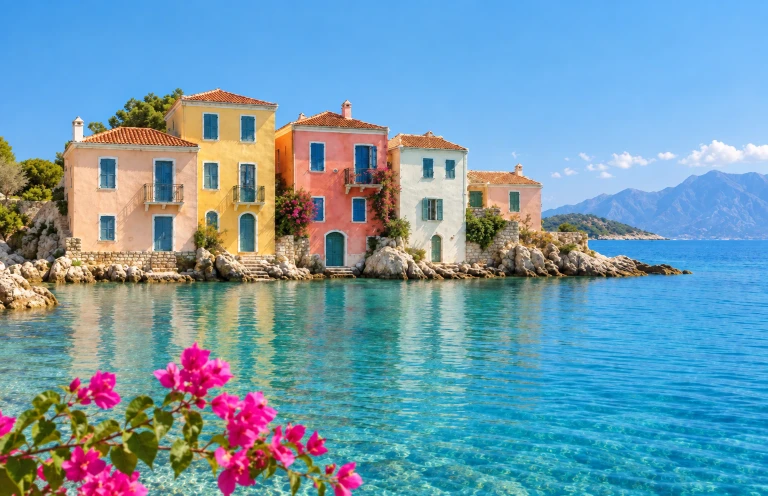
 Original photoEnhanced photo
Illustrative result. These examples show the intended effect, not a guarantee of how your photo will look.


Try mildly soft mountains, coastal scenes, buildings or travel photos. Start with the largest original and look for details you can compare.
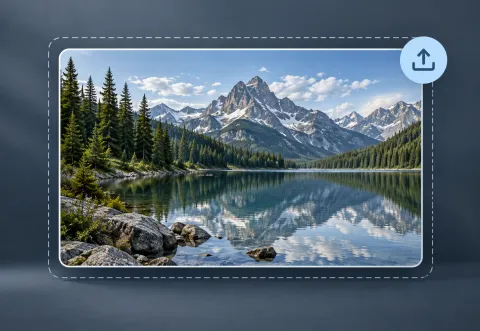
Upload a JPEG, PNG or WEBP. The relevant scene is already selected; you can change it before starting.
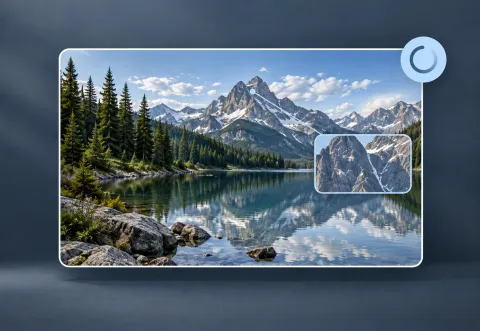
Try the available free experience, or sign in to choose other options. Check the displayed credit quote before confirming a paid run.
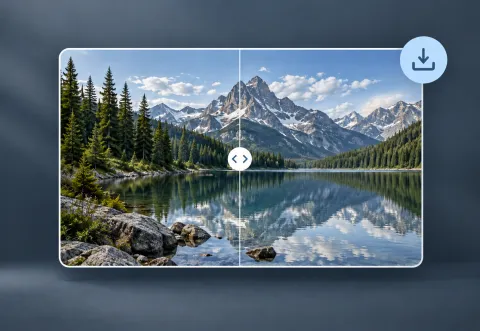
Inspect the result beside the original, then download it. Visitors should download before leaving or refreshing the page.
Check rooflines, branches, reflections and the horizon against the original. Watch for repeated patterns, halos and colors that no longer match the scene.
Heavy haze, deep shadows and distant missing details may not be recoverable. This does not promise sky replacement, haze removal or fixed-ratio enlargement.
YOUR NEXT STEP
Keep the result you like, then choose one focused tool for the next change.
Reduce grain in dim photos and scans. Check fine texture so skin and fabric still look natural.
Reduce image noiseUse deblurring when edges look smeared. If you see grain instead, start with noise reduction.
Unblur a photoDescribe a lighting or background change. Open the full editor for cropping, text and layers; verify any important writing.
Open AI image editorNew here? Follow the upload-to-download guide or browse all photo tools.
Try mildly soft mountains, coastal scenes, buildings or travel photos. Start with the largest original and look for details you can compare.
Heavy haze, deep shadows and distant missing details may not be recoverable. This does not promise sky replacement, haze removal or fixed-ratio enlargement.
Yes, subject to visitor usage limits and current availability. Sign in for daily free-account credits and to save new enhancements. Pro quality and batch processing require a signed-in account with an active paid subscription or available credit pack credits. Check the credit quote before processing.
The tool supports JPEG, PNG and WEBP output. Dimensions depend on the AI result; fixed 2× or 4× enlargement is not promised. Check the result and download before leaving a visitor session.