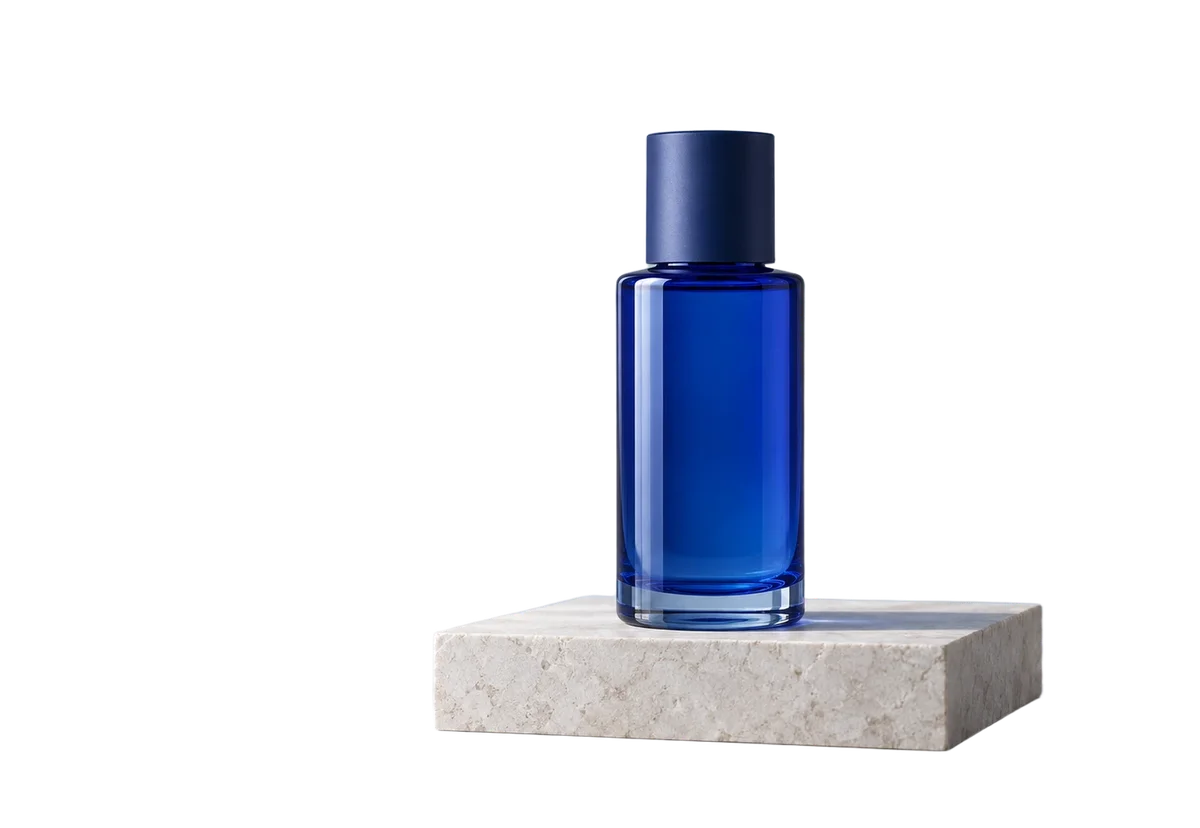
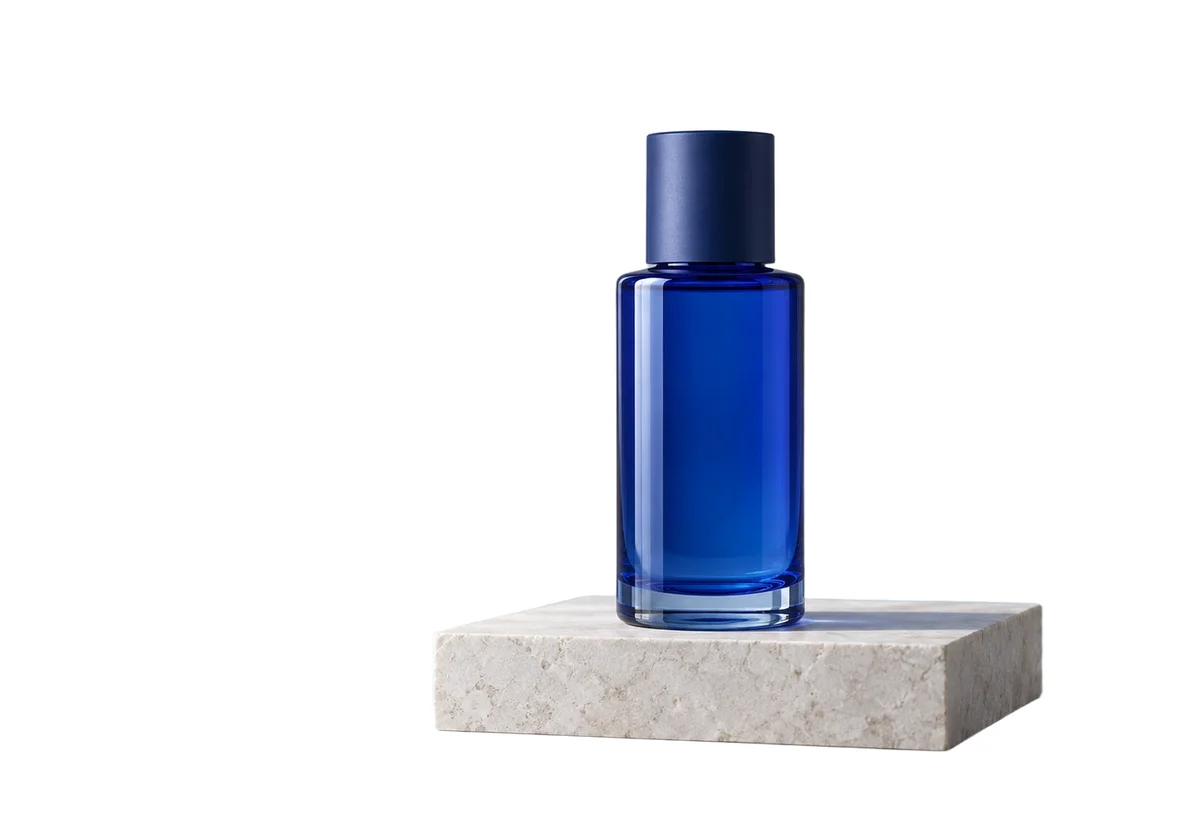
Make a clean product listing
Place your cutout on pure white. Review the outline and crop before adding it to your catalog.
Create a white backgroundUpload · Edit · Download
Replace a removed background with a precise solid color.
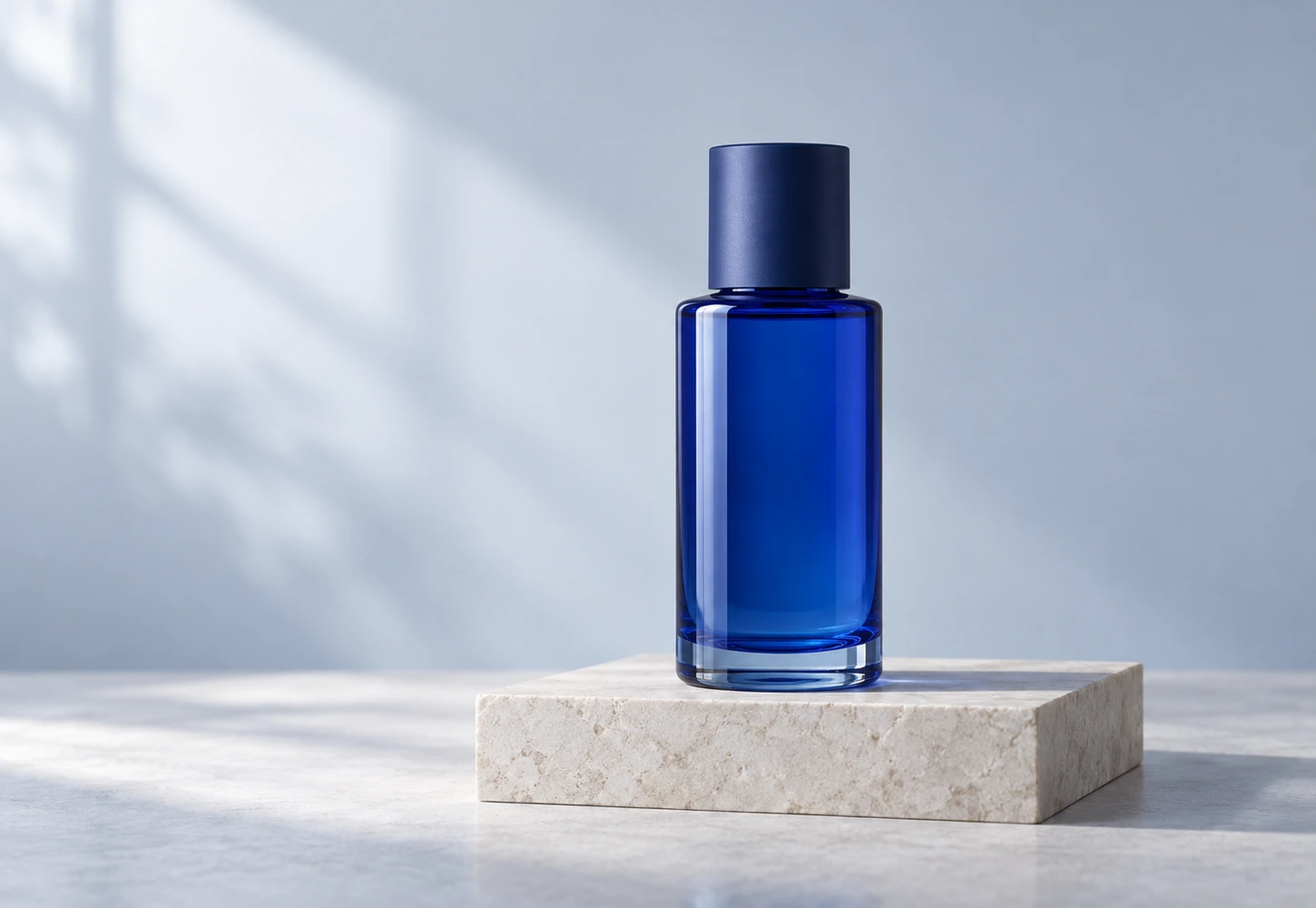 Sample original
No photo handy? Start with this sample.
Drop a photo here or choose a file
JPG, PNG or WebP · up to 20 MiB and 16 MP
Selecting an image does not spend credits.
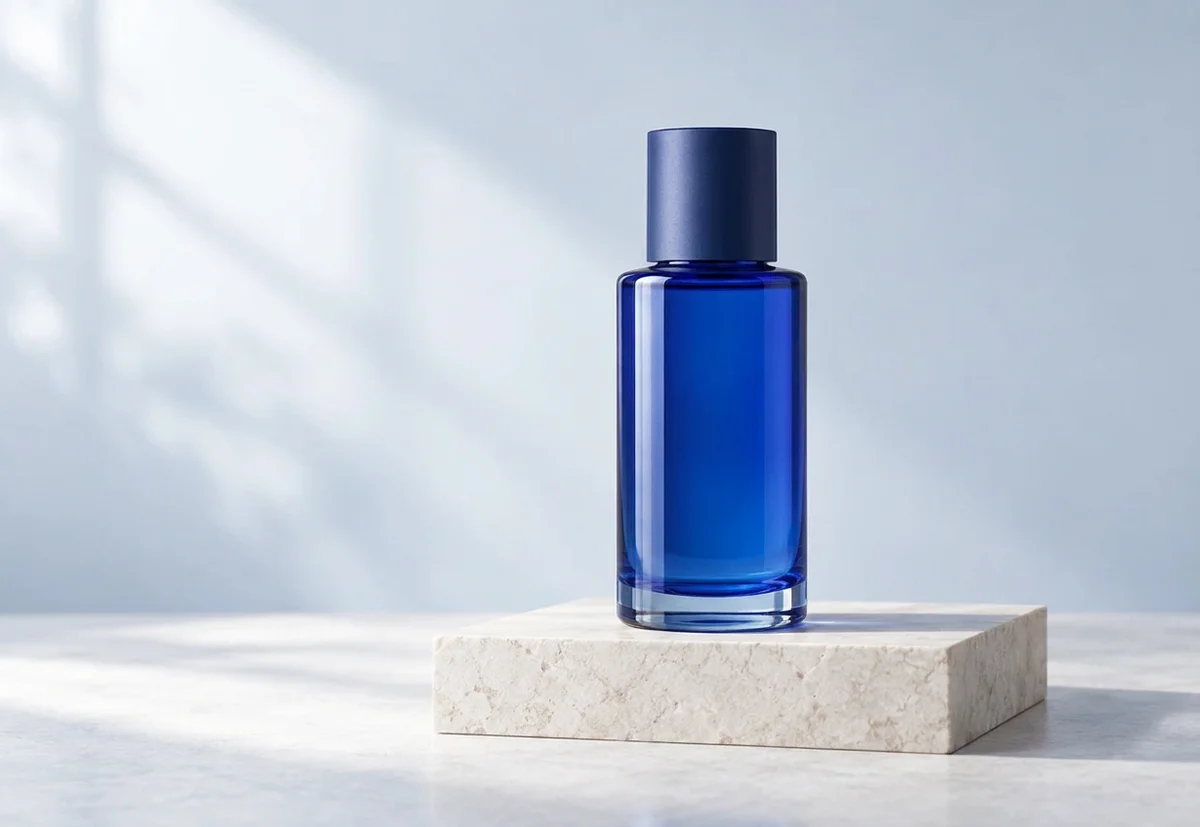
The same cutout on a pale blue background, with the subject kept in place.

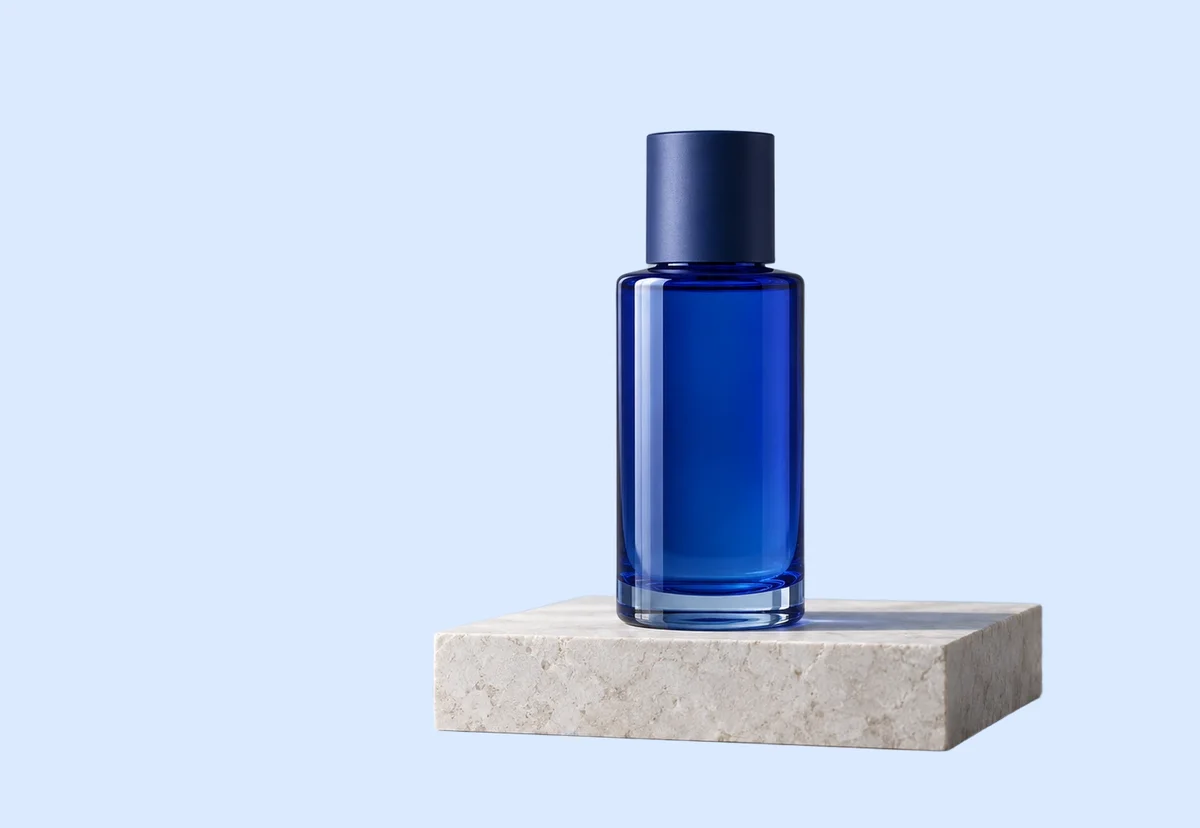
Synthetic sample images processed with our tools. Results vary by image; check details at full size.
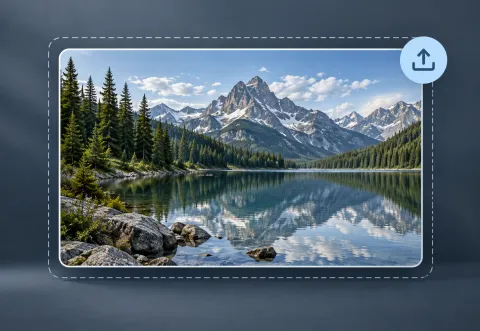
Choose a clear original and keep a copy.
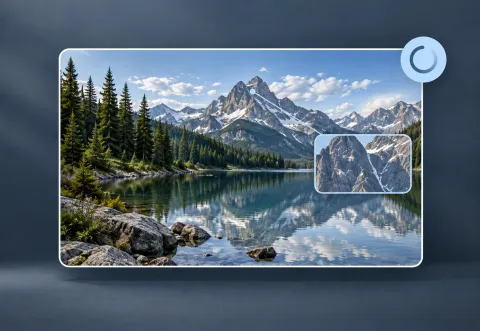
Review the credit quote before starting AI processing.
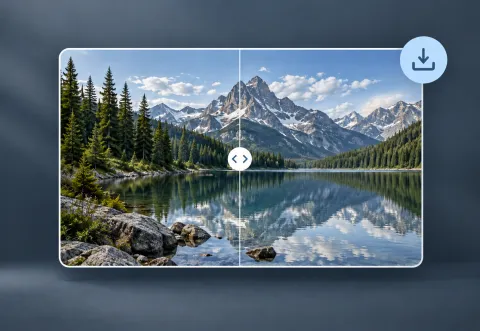
Compare the result with the original and export the format you need.
Your photos remain private. Visitor work is temporary; signed-in tasks follow account retention rules.
AI may reinterpret details. Review faces, text, edges and textures before using a result.
YOUR NEXT STEP
Keep the result you like, then choose one focused tool for the next change.
Place your cutout on pure white. Review the outline and crop before adding it to your catalog.
Create a white backgroundRemove the background and export transparent PNG for a layout, product listing or collage. Check hair and glass edges.
Remove the backgroundDescribe a lighting or background change. Open the full editor for cropping, text and layers; verify any important writing.
Open AI image editorNew here? Follow the upload-to-download guide or browse all photo tools.