

Photo Editing Guides
How to Enhance Product Photos Without Changing the Product
Improve product-photo clarity while checking shape, material, labels and color. Use a careful source-to-export workflow for your online store.
Enhance My Photo Team
Explore 9 articles with photo editing guides and tutorials on blur, noise, backgrounds and colorization. Compare tools and choose your next edit.
Photo Editing Guides
Improve product-photo clarity while checking shape, material, labels and color. Use a careful source-to-export workflow for your online store.

Photo Editing Guides
Improve a soft portrait while checking facial features, skin and hair. Choose a good source, compare the result and keep the person recognizable.
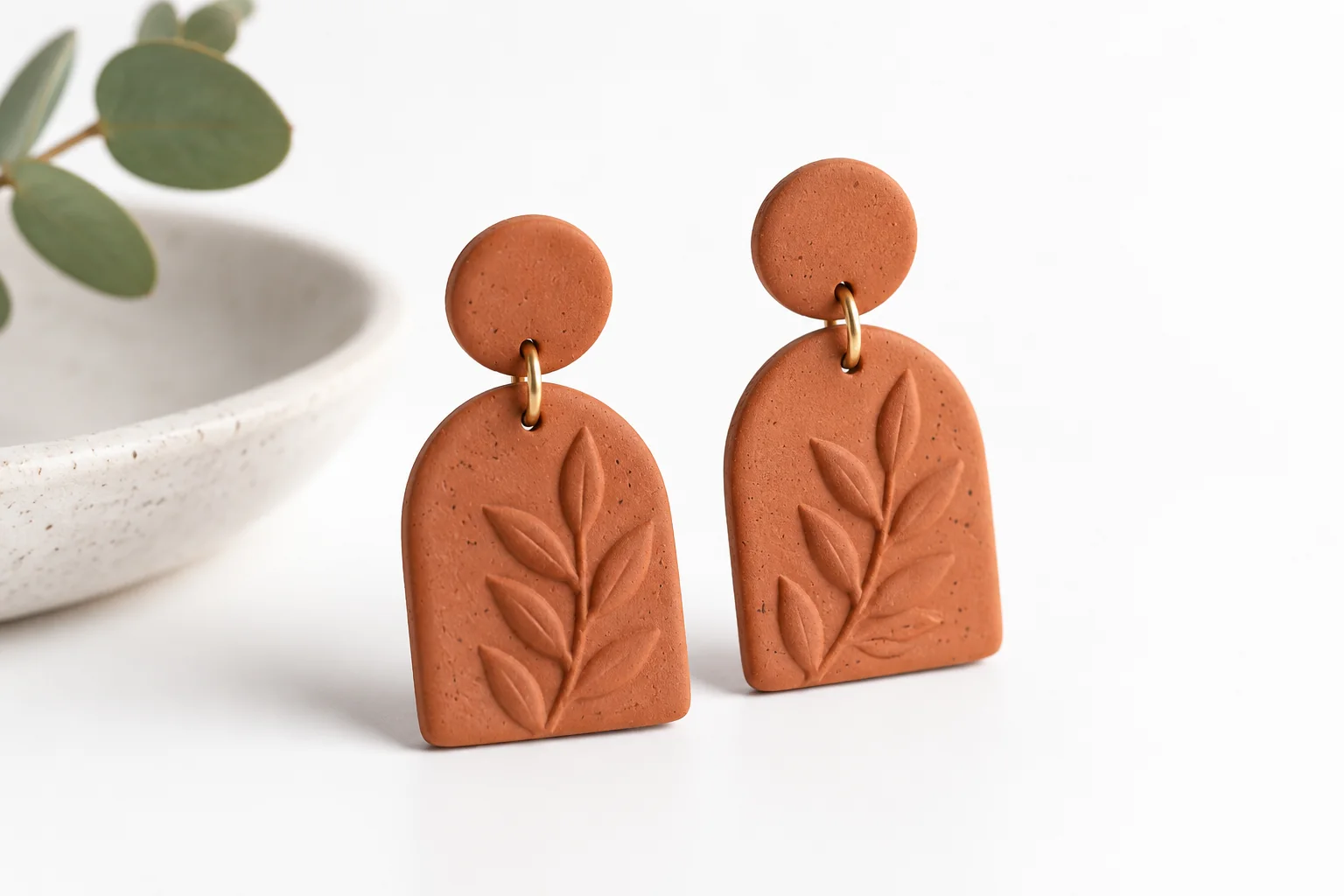
Photo Editing Guides
Remove a product photo’s background, place the retained subject on white and check edges, framing and product accuracy before downloading.
Photo Editing Guides
Remove a photo background, inspect the subject and export a transparent PNG. Learn how to check edges and avoid accidentally saving a white background.

Photo Editing Guides
Fix a blurry phone photo by choosing a better original, matching the blur type and checking natural detail. Learn when to retry and how to export.

Product Tutorials
Follow Enhance My Photo from scene selection and upload to the credit quote, output format, result comparison and download.

Photo Editing Guides
Learn the difference between sharpening, deblurring and upscaling, diagnose soft or pixelated images, and avoid halos and invented detail.

Tool Comparisons
Learn when a phone editor is enough for a noisy night photo, when AI enhancement is worth trying, and how to preserve natural detail.

Tool Comparisons
Compare Enhance My Photo, Remini, Lightroom, Topaz Photo and Picsart by workflow, photo type and practical limitations before choosing an AI enhancer.