Loading the comparison…
Watercolor
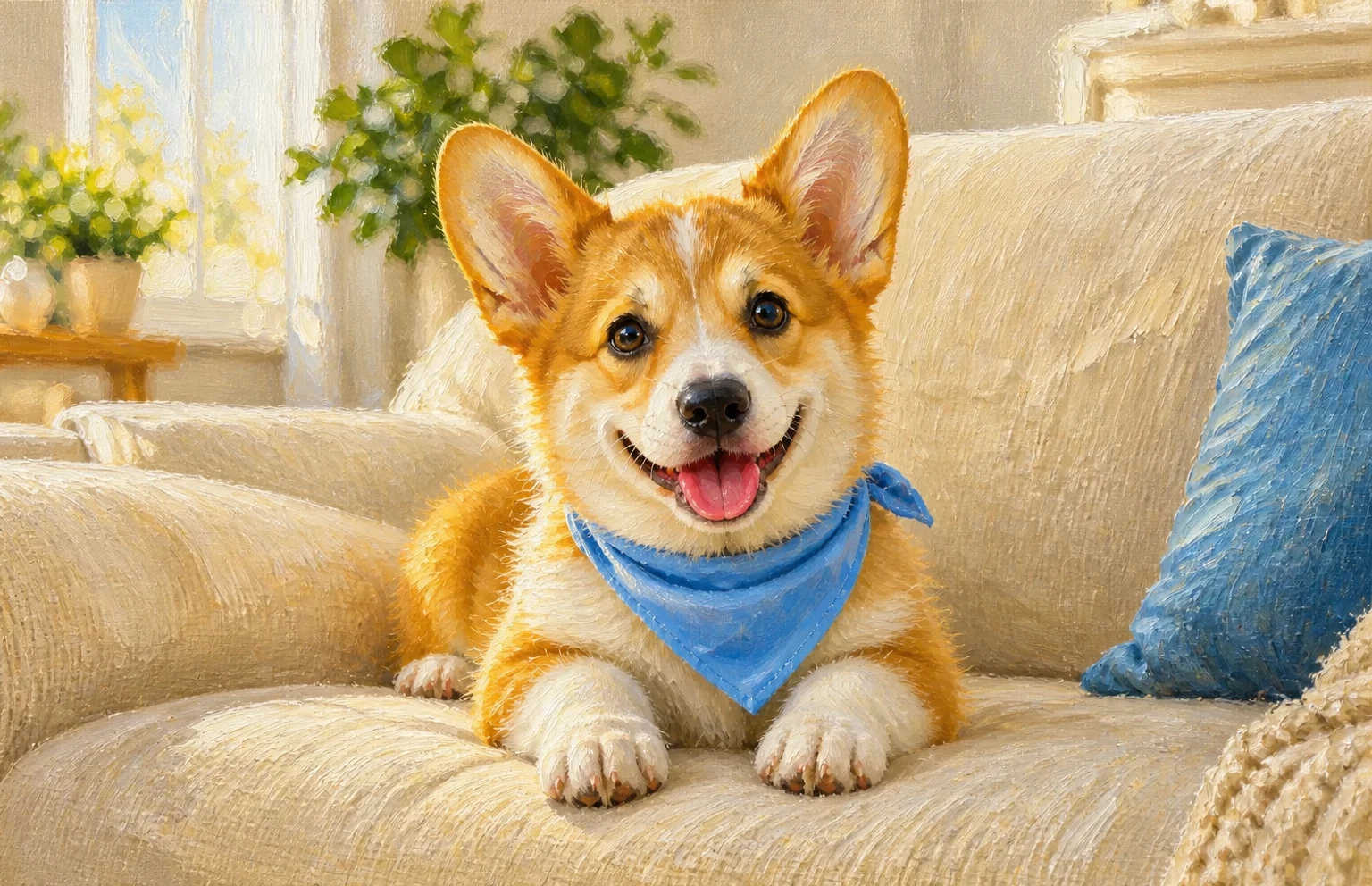
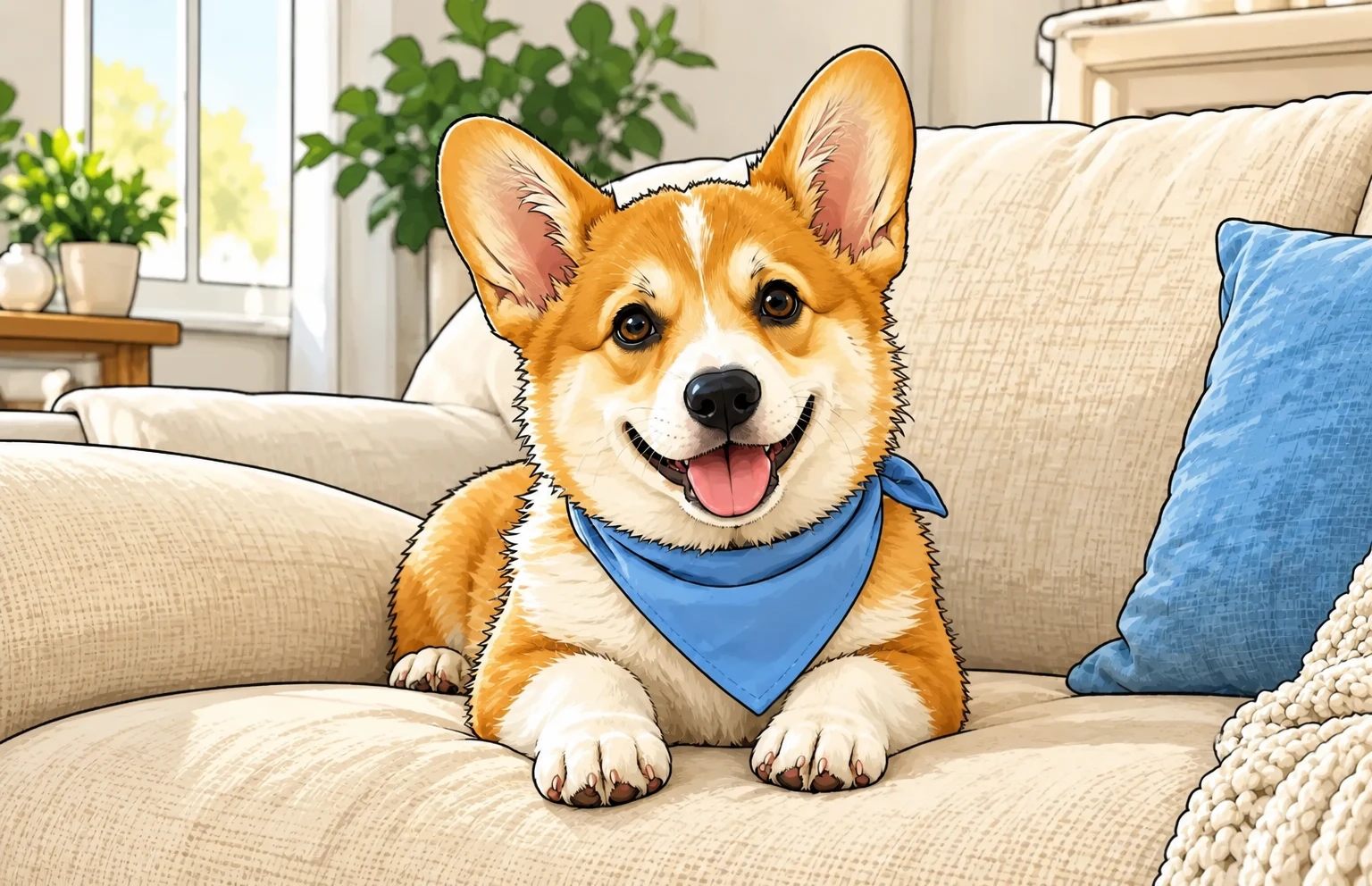
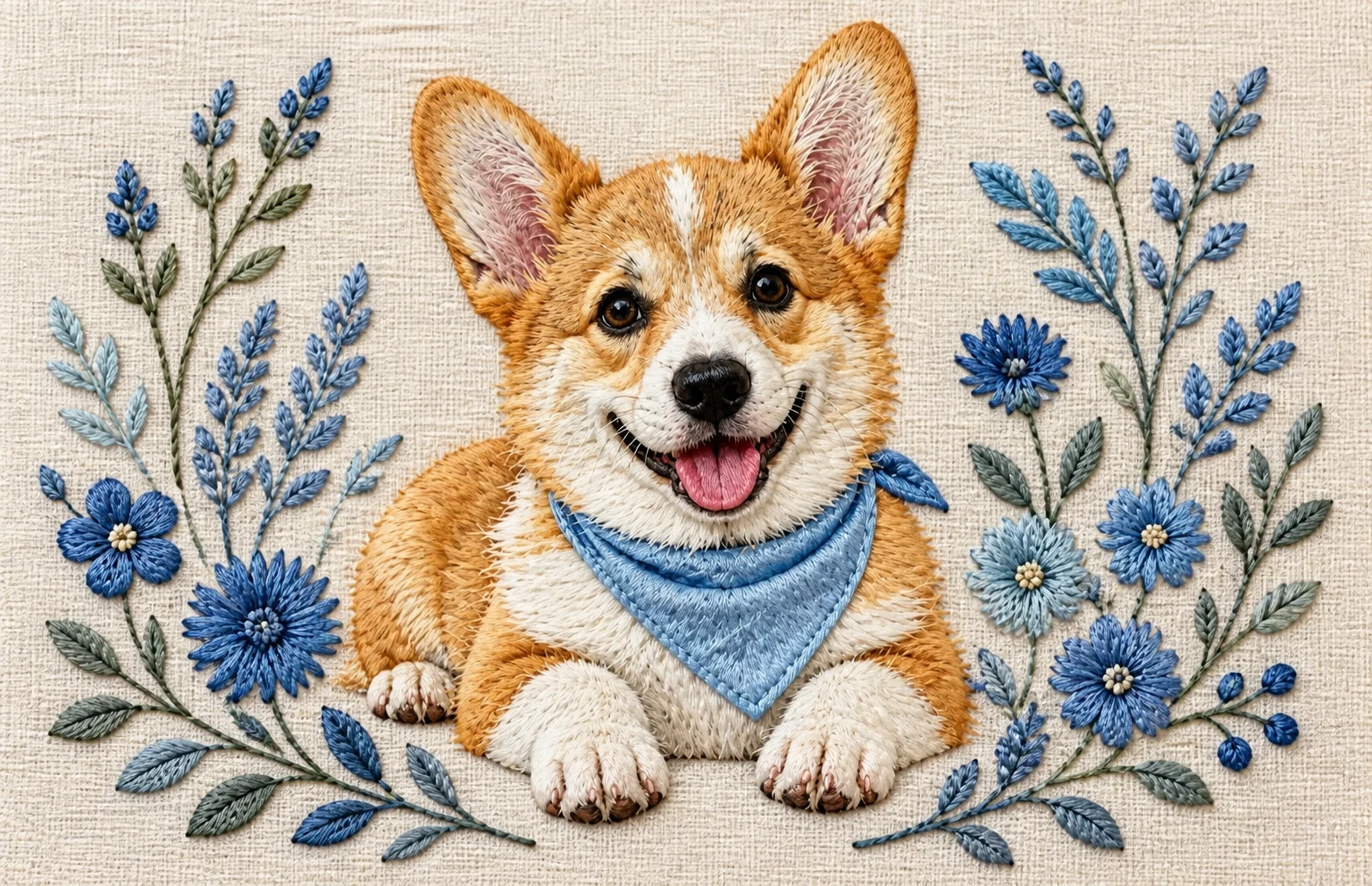
Try watercolor, oil or cartoon while keeping the familiar face and coat pattern in view.
Use this presetEnhanceMyPhoto image tools
Choose watercolor, oil, cartoon, birthday or royal themes, or describe your own. Keep the familiar face and coat markings in view as you compare.
JPG, PNG or WebP · up to 20 MB and 16 MP each
Up to 20 source images. Batch processing uses your existing membership access.
Loading tool configuration…
Review the credit cost before processing. Uploading and browsing presets do not use AI credits.
Ready
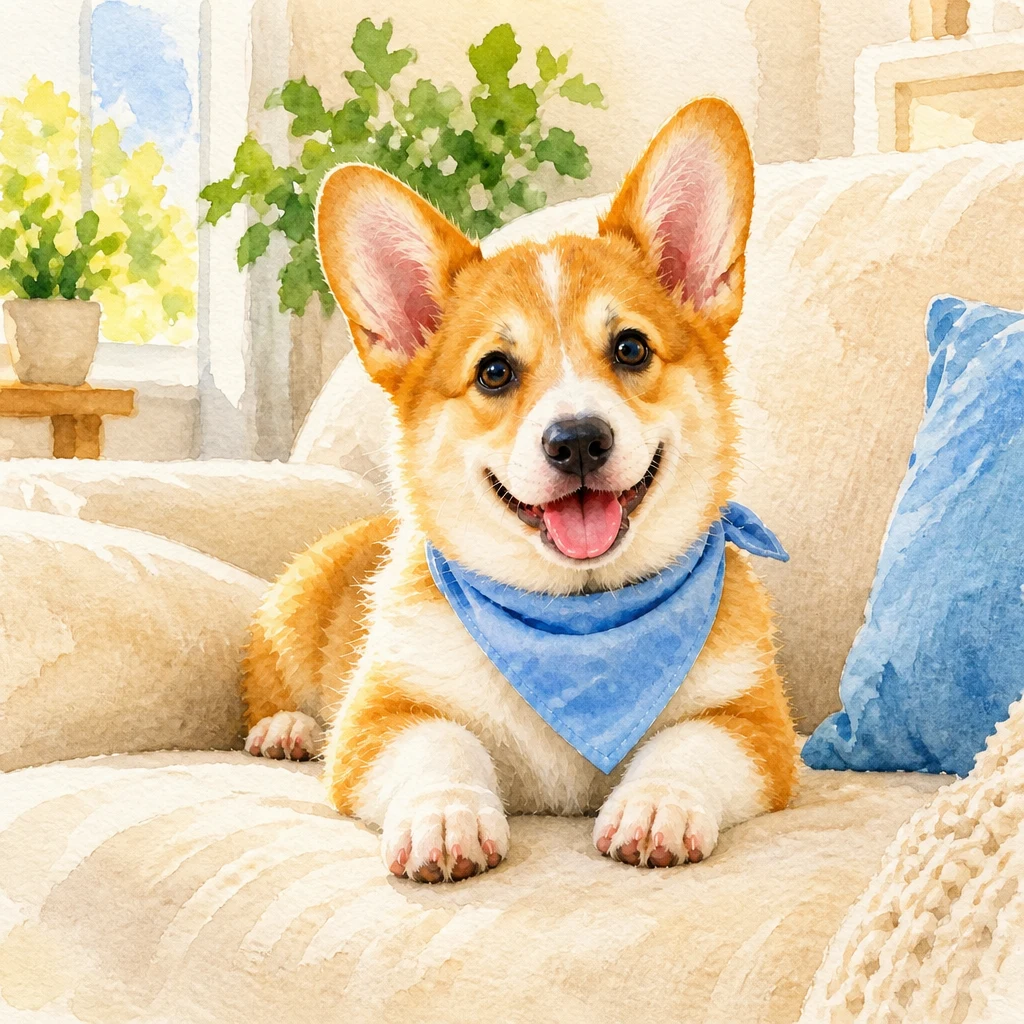
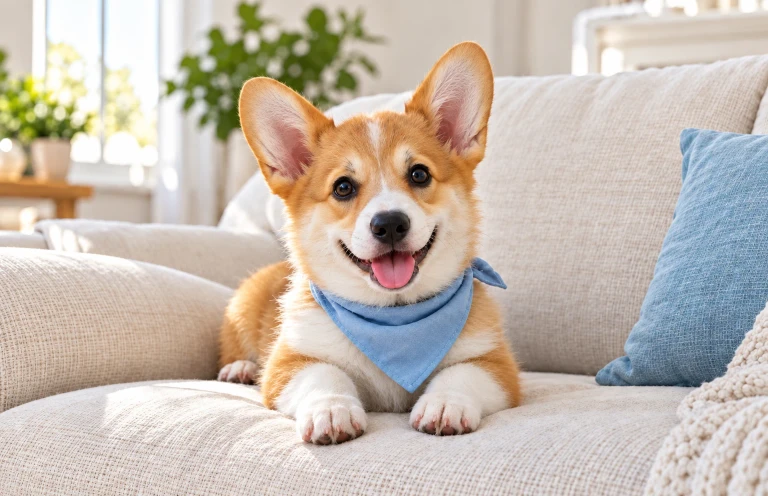 OriginalResult
About this tool
An AI pet portrait generator reinterprets a pet photo as an illustration or themed portrait. Enhance My Photo offers watercolor, oil, cartoon, birthday and royal styles plus custom instructions.
Processed result
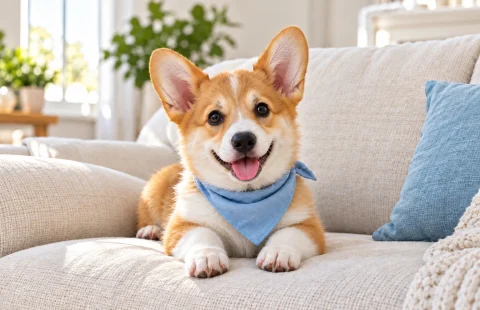
Drag each comparison to inspect the edit. Choose a preset to try the same approach with your own photo.
Try watercolor, oil or cartoon while keeping the familiar face and coat pattern in view.
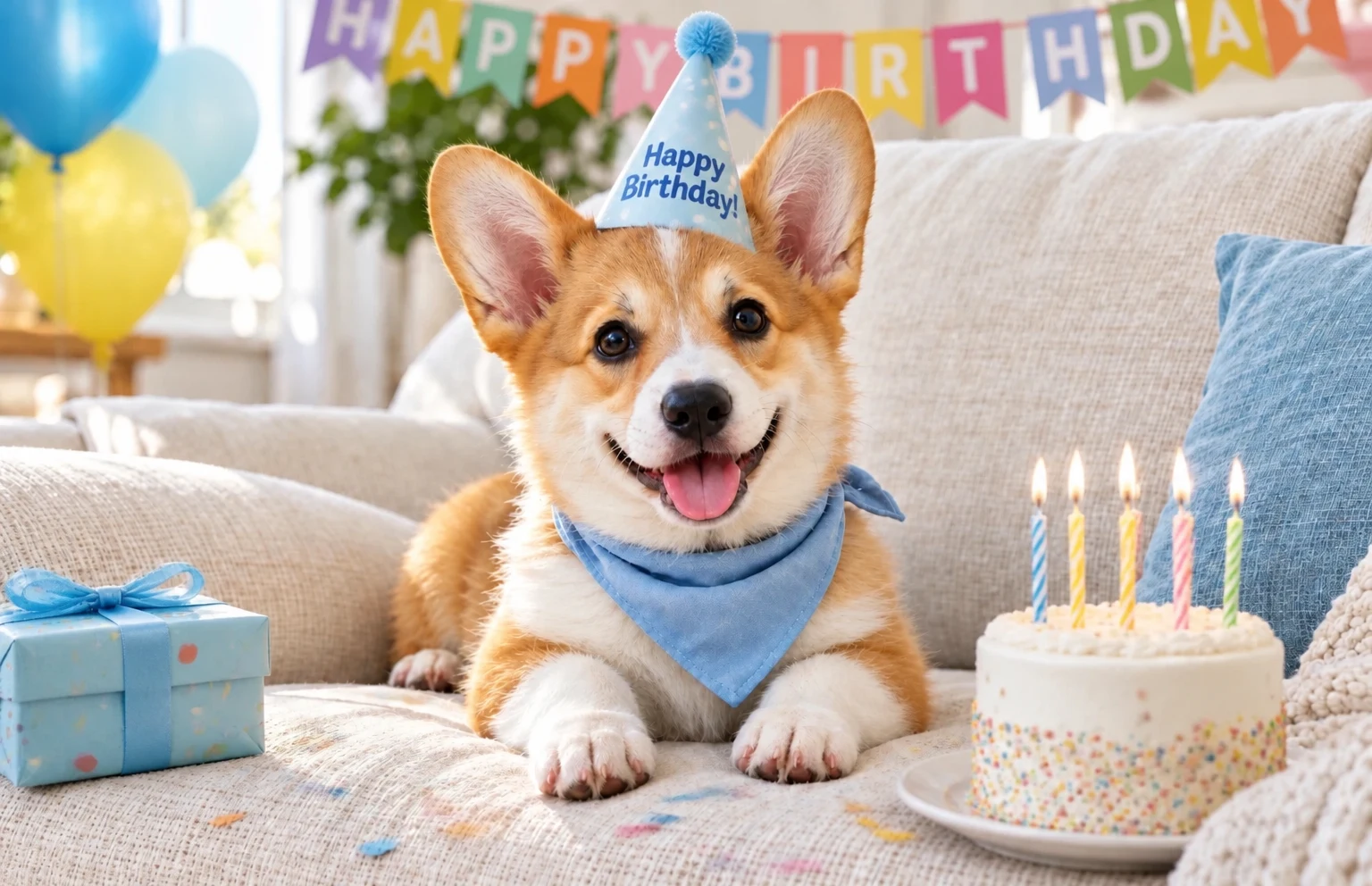
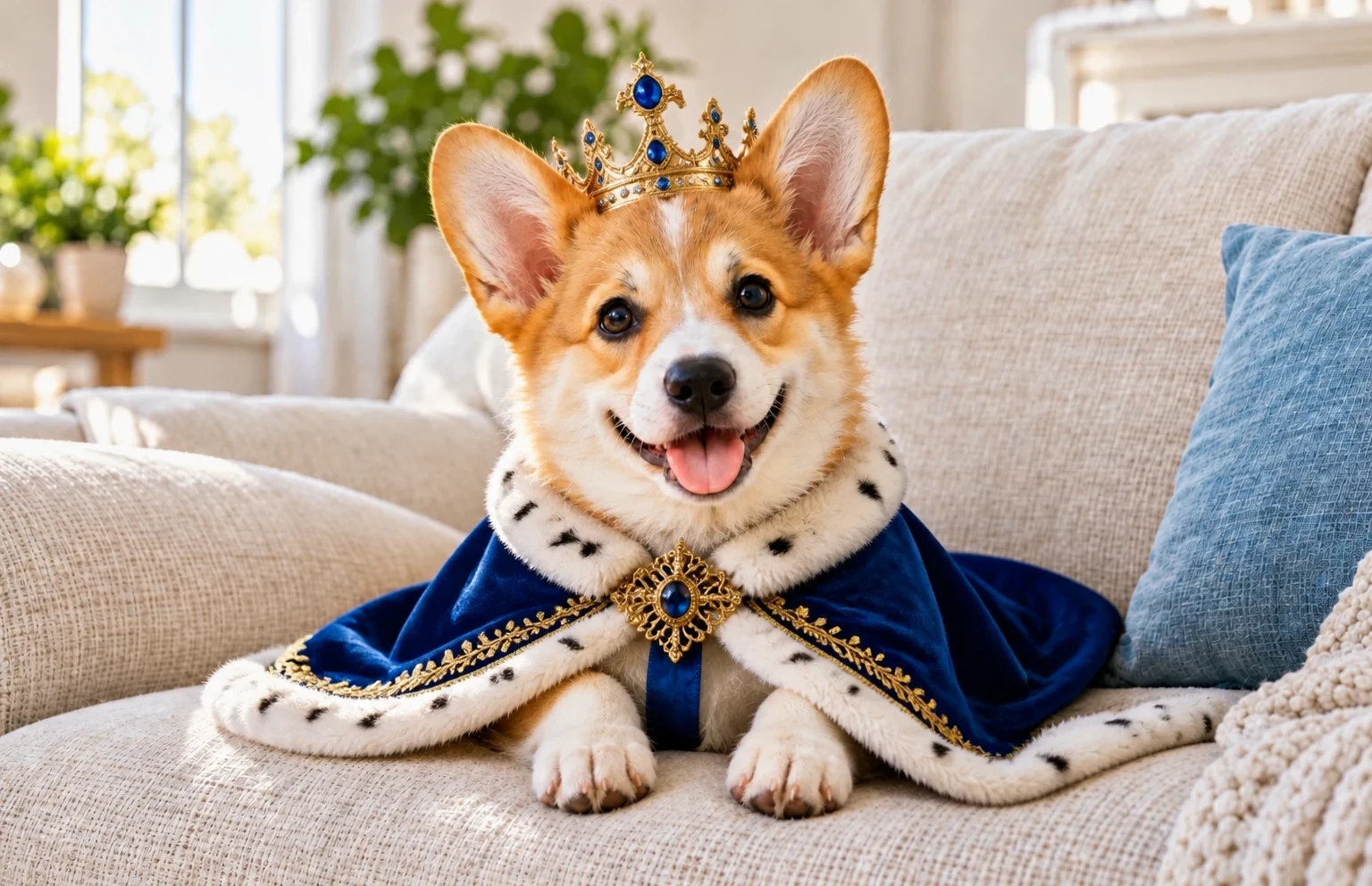
Use this presetBirthday and royal themes create a setting around your pet. Compare ears, paws and distinctive markings afterwards.
Use this presetCustom mode accepts your own description and an aspect ratio for a card, profile image or keepsake layout.
Use this presetAI pet portrait
Upload a clear photo of your pet with the face and markings visible.
Choose an art style or theme, or select custom and describe the scene. Set the aspect ratio.
Review credits, generate and compare the result with your pet’s real features before downloading.
A focused workflow for your image
Review the credit cost before processing. Uploading and browsing presets do not use AI credits.
Choose a sharp photo at the pet’s eye level. A clear single subject is easier to interpret.
Name distinctive markings and the expression to keep. Avoid several conflicting styles in one instruction.
For printing, inspect the portrait first, crop for the frame, then upscale if more pixels are needed.
Previews show results made with this tool from our synthetic sample images. A preset fills in settings; it never starts processing or spends credits.
AI pet portrait
Start with a clear, well lit photo showing the face and distinctive markings. In custom instructions, name the features to preserve. Inspect the result; exact feature preservation is not guaranteed.
Yes. Use a clear pet photo and describe the animal and features to retain. The example animal does not limit the supported subject.
Choose custom and describe the art medium, setting and details to preserve. Add a source photo; this page is an image based portrait workflow.
Check the downloaded dimensions and your printer’s requirements. If more pixels are needed, review the portrait first and then use Image Upscaler.
Upload a static JPG, PNG or WebP up to 20 MB and 16 megapixels. References have the same limits. Use the best original available.
The server checks the cost before processing. If the quote changes, you must confirm it. Uploading, choosing presets and viewing existing results do not start a paid generation.
Batch access follows your current membership, with up to 20 source images. Every masked edit needs its own saved selection. Failed items can be retried with a new quote.
Download the original result here. Signed in accounts can use history according to their retention policy. Temporary guest results need the active session and expire.
AI can estimate or redraw details. Compare faces, text, product labels and fine texture with your original. Keep the original and review the result before publishing.
YOUR NEXT STEP
Keep the result you like, then choose one focused tool for the next change.
Enhance a pet photo and inspect whiskers, fur and eyes before sharing the result.
Pet Photo EnhancerExplore cartoon, anime, illustration, 3D, painting, sketch, clay and retro presets, or bring a style reference of your own.
AI filterRemove the background and export transparent PNG for a layout, product listing or collage. Check hair and glass edges.
Background RemoverAdd your source, choose the change, and review the credit cost before processing.
Edit your image