
Edit with words
Describe the final image in natural language, including what should stay unchanged.
YOUR IDEAS, BEAUTIFULLY EDITED
Upload a photo, add a reference if you need one, and describe your edit. Change backgrounds, objects, lighting and style — all in one place.
JPG, PNG, WebP · Up to 20 MB and 16 MP each
Uploading and choosing an example do not use credits.
Illustrative examples. Your result depends on the source and instructions.
Your edits will appear here.
Guest results are available in this temporary session. Download them before leaving.
A SIMPLE WORKFLOW
See how a main photo and a reference work together.
Choose a main image and, optionally, a reference for the desired object, setting or style.
Use @ to tell the editor which image is the subject and which provides the reference.
Compare the result, download it or use it as the starting point for another edit.
This local demonstration is illustrative, uses no credits, and does not represent real processing time.
SMALL CHANGES. NEW POSSIBILITIES.
Start with one change, or combine several in a single instruction.
Describe the final image in natural language, including what should stay unchanged.
Try a studio, outdoor setting or another scene that fits your subject.
Ask to remove an object and fill the surrounding area naturally.
Explore clothing and hair while asking the model to preserve identity and pose.
Adjust mood, color and illumination with a focused instruction.
Use a reference for a product, backdrop or visual style.
ROOM FOR YOUR IDEAS
From a cleaner product shot to a fresh room design, put your ideas into words and explore the result.
Illustrative examples. Your result depends on the source and instructions.
 BeforeAfter
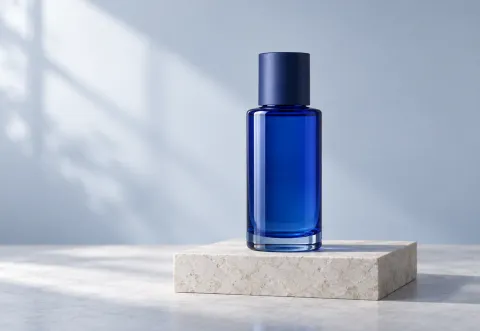
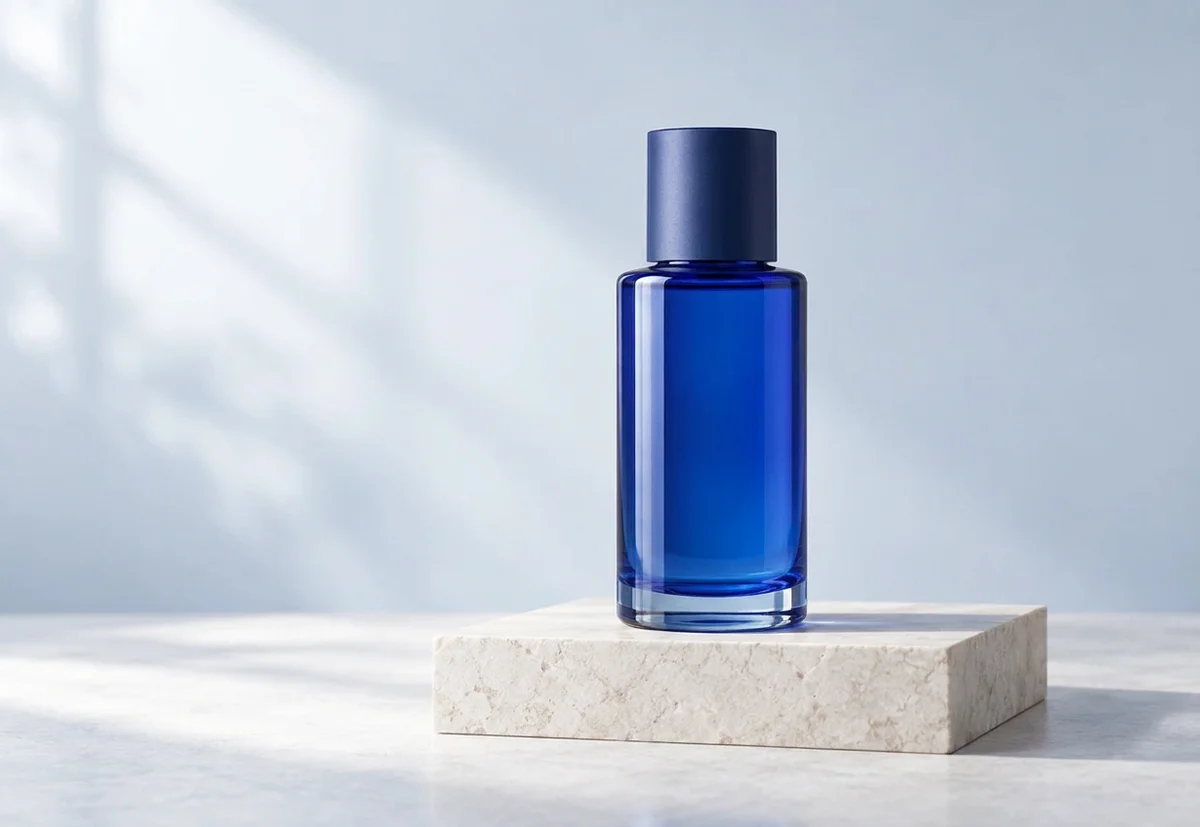
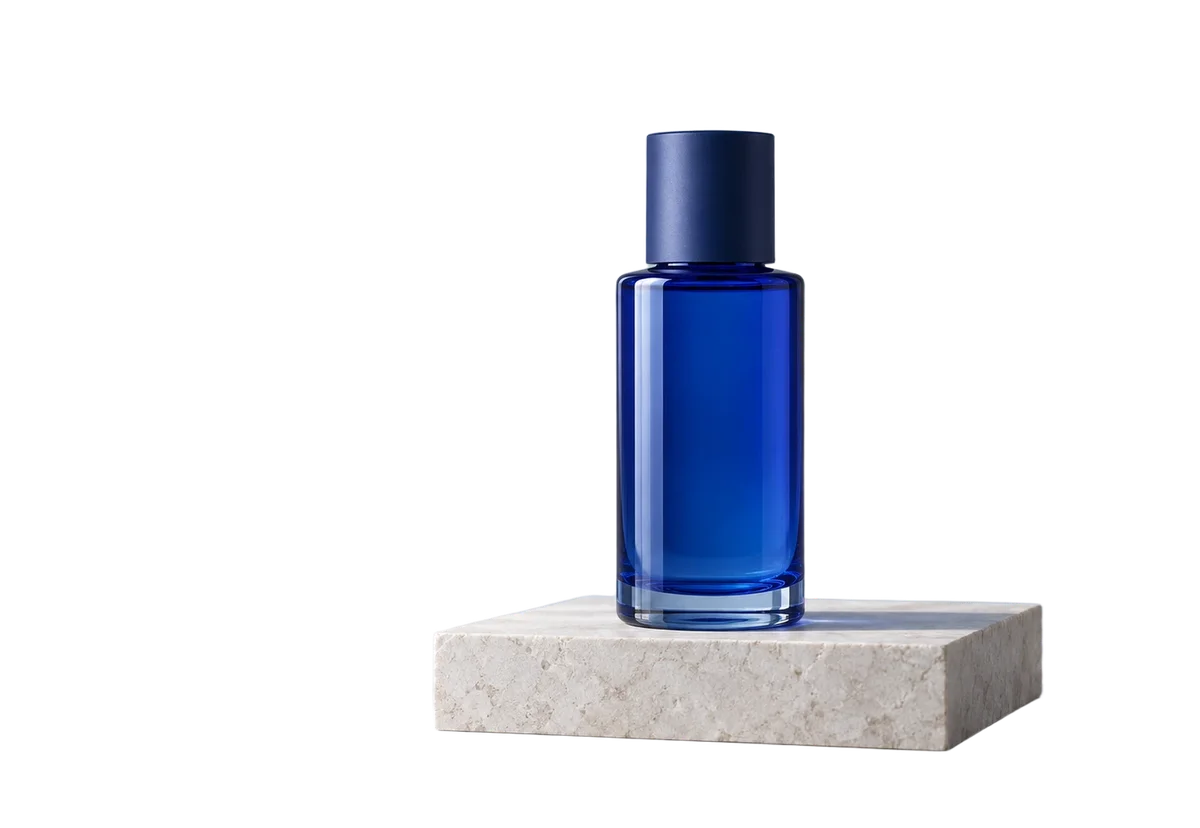
Refine the setting and lighting while keeping the product recognizable.
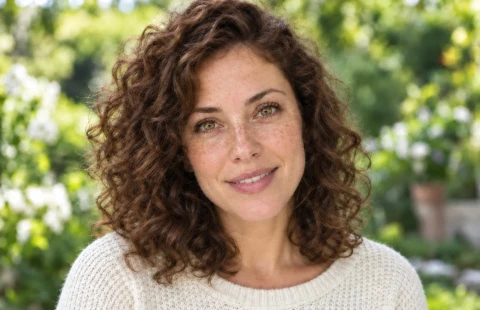 BeforeAfter
Explore gentle lighting and a clean background while preserving facial features.
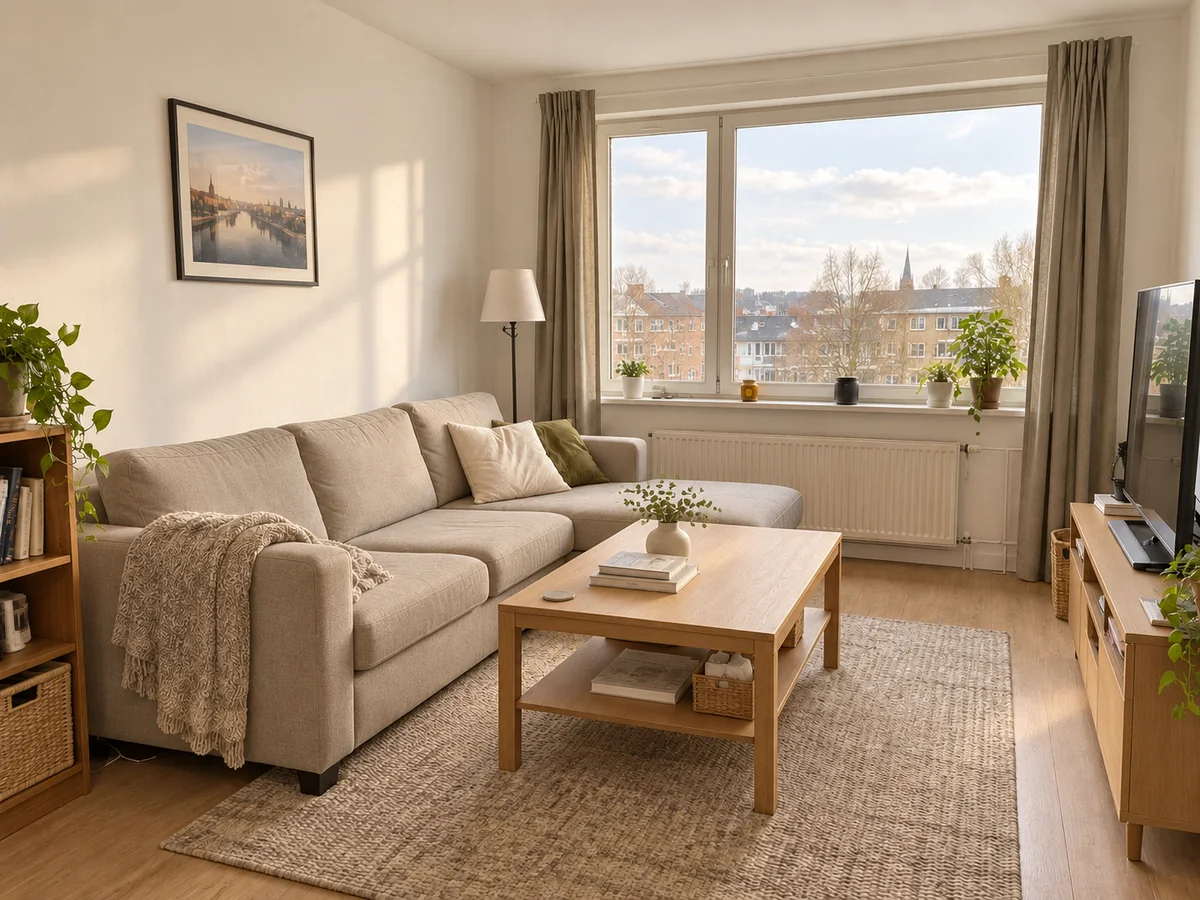
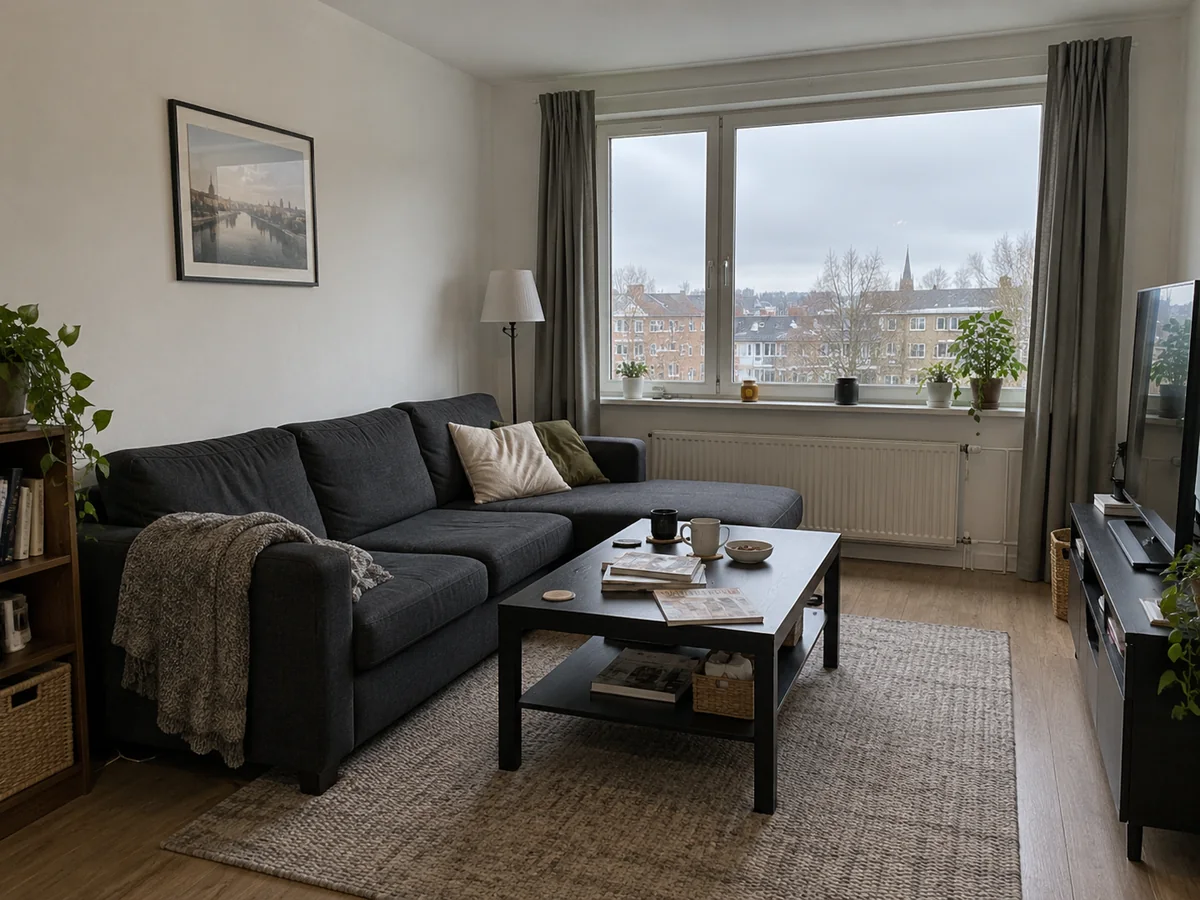
BeforeAfterPreview a calmer palette, new furniture and brighter daylight.
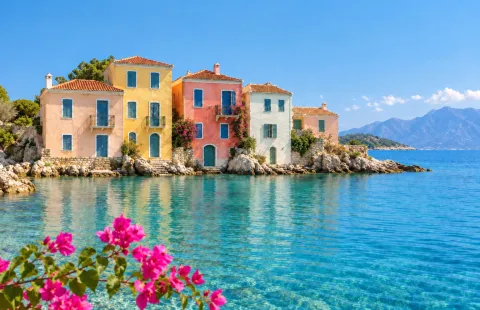 BeforeAfter
Adjust the sky, color and light without losing the sense of place.
START WITH AN EXAMPLE
Try a ready-to-use photo and prompt, then make the instructions your own.
Product
Refine the setting and lighting while keeping the product recognizable.
EXAMPLE PROMPTGive @image1 a clean studio background and softer light. Preserve its shape, material and proportions.
Portrait
Explore gentle lighting and a clean background while preserving facial features.
EXAMPLE PROMPTGive @image1 soft studio lighting and a light neutral background. Preserve facial features and natural skin texture.
Interior
Preview a calmer palette, new furniture and brighter daylight.
EXAMPLE PROMPTRedesign @image1 with a beige sofa, light oak furniture and soft daylight. Preserve the room layout and camera angle.
Travel
Adjust the sky, color and light without losing the sense of place.
EXAMPLE PROMPTImprove the natural light and colors in @image1. Keep the landscape, buildings and composition recognizable.
GOOD TO KNOW
Know the limits, downloads and retention rules before starting.
Try available editing models with your eligible credits before creating an account.
Downloads have no added enhancemyphoto.net watermark. Check the generated details before use.
Upload JPG, PNG or WebP up to 20 MB and 16 MP each. Download PNG, JPG or WebP.
Free accounts keep results for 1 day; Starter, Creator and Studio keep them for 15, 30 and 60 days. Guest access is session-limited.
MADE FOR YOUR EVERYDAY
Useful edits for personal projects, creative work and small businesses.
Create a more consistent setting for a product catalogue.
Refine lighting and backgrounds for everyday portraits.
Explore a consistent style across your next set of posts.
Preview new outfits and visual directions.
Explore furniture, colors and atmosphere before committing.
Combine reference ideas and iterate on a composition.
MORE CONTROL, LESS FRICTION
Choose a model, describe the change and review what actually changed.
Adjust your prompt at every step and decide which changes to keep.
Identify your main image and optional reference without relying on filenames.
Use only the size and quality options supported by the selected model.
Compare, download and continue editing from a result you choose.
KEEP CREATING
Continue with focused tools when your image needs a different kind of care.
 BeforeAfter
 BeforeAfter
Use the photo enhancer for images that need sharper details and more balanced light.
Enhance a photo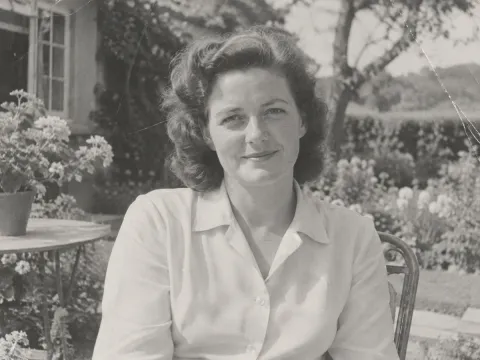
 BeforeAfter
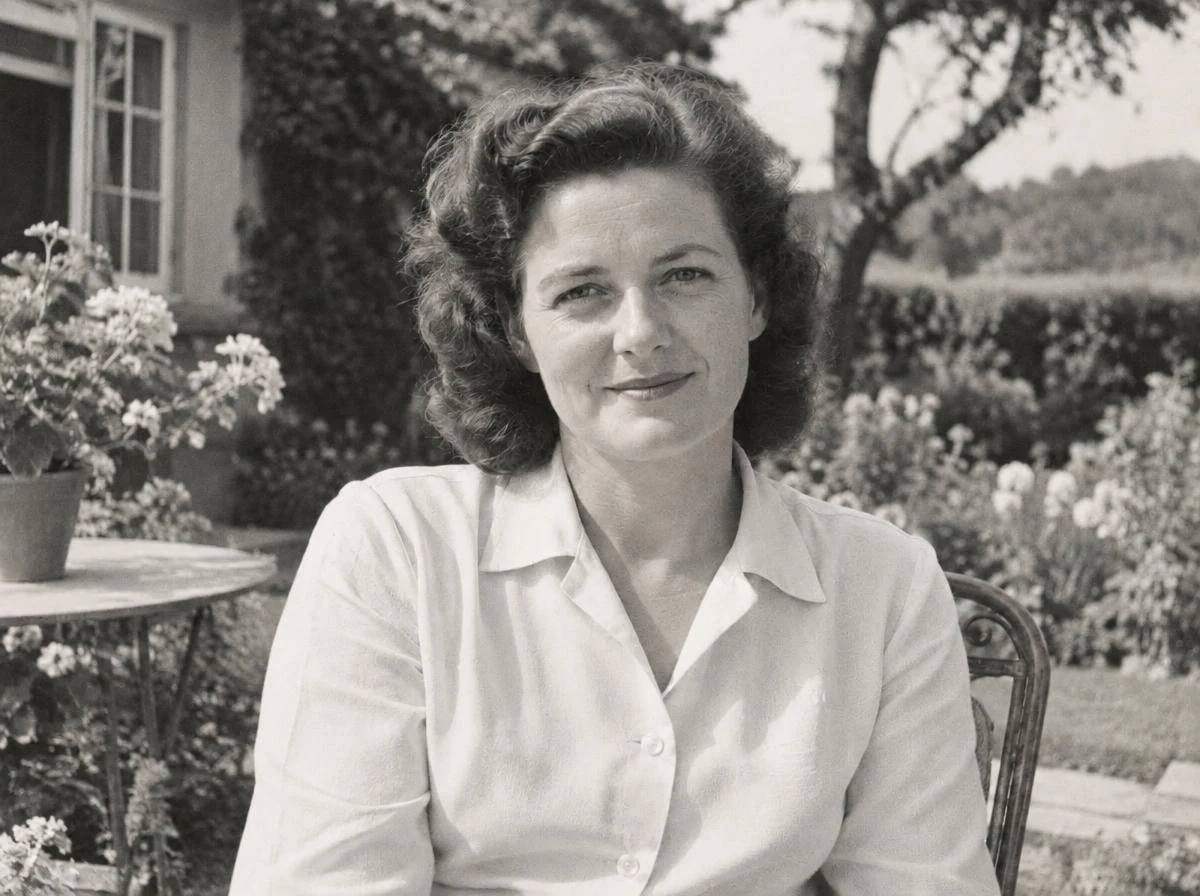
Repair a faded or damaged photo with a dedicated restoration workflow.
Restore a photoThe editor supports Nano Banana 2, Nano Banana Pro and GPT Image 2. Only models enabled and priced by the site are available.
Yes: one main image and one optional reference. Type @ to identify each image in your prompt.
The cost depends on the model, output settings and input image size. The total is shown before submission. Uploads and examples do not use credits.
It translates your instructions into English without generating an image. Paid users receive a daily allowance, initially 20 translations, resetting at 00:00 UTC. The site may adjust this allowance.
Eligible guests can try supported models with available credits. Guest results are limited to the temporary session.
Free accounts: 1 day. Starter: 15 days. Creator: 30 days. Studio: 60 days. Download important images before the shown expiry.
Upload JPG, PNG and WebP files up to 20 MB and 16 MP each. Download results as PNG, JPG or WebP without an added site watermark.
Your tasks are restricted to your account or temporary guest session. Images and prompts are sent to the configured provider to process the edit.
Open the advanced workspace for layers, masks and cropping. You can send a selected result there directly.
AI edits can alter details. Review faces, products, text and other important areas before using a result.
Start with a photo and a few words. Refine it until it feels right.