

 Everyday photos
Bring out clearer details and richer colors with our online AI photo enhancer. Enhance portraits, product photos, landscapes, and screenshots, then download your enhanced photos without watermarks.

 Original photoEnhanced photo
ONE WORKSPACE, SIX STARTING POINTS
Choose a starting point that matches your image, then keep the controls simple and the output consistent.
All examples in this section are illustrative. Results vary with your photo.
Everyday photos
 Portrait detail
 Product clarity
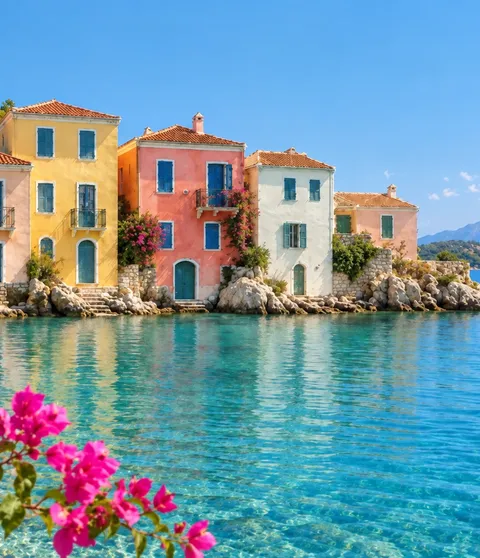 Scenery depth
 Pet moments
 Text and scans
Find the right tool to enhance details, restore memories, or edit your photos and backgrounds. Compare the examples, then try your own photo.
Crop an image or convert its format for free, directly in your browser.
All examples in this section are illustrative. Results vary with your photo.


Improve everyday photos with a scene preset. Compare clarity and details before downloading your result.


Enhance a portrait while checking eyes, hair and skin against the original. Keep the version that still looks like the person.


Improve the source photo before changing its background. Check labels, materials and small product features.


Improve a screenshot or photographed page, then verify each important character against the original.


Enhance a pet photo and inspect whiskers, fur and eyes before sharing the result.


Review foliage, stone and distant detail. For grain in a night scene, start with noise reduction.


Reduce grain in dim photos and scans. Check fine texture so skin and fabric still look natural.
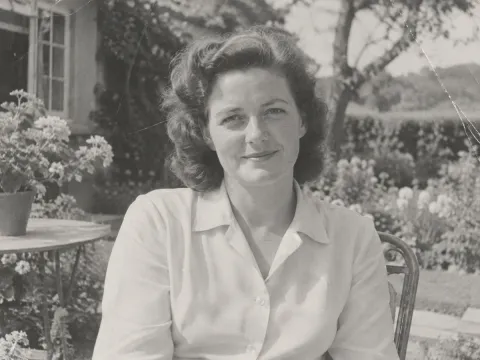
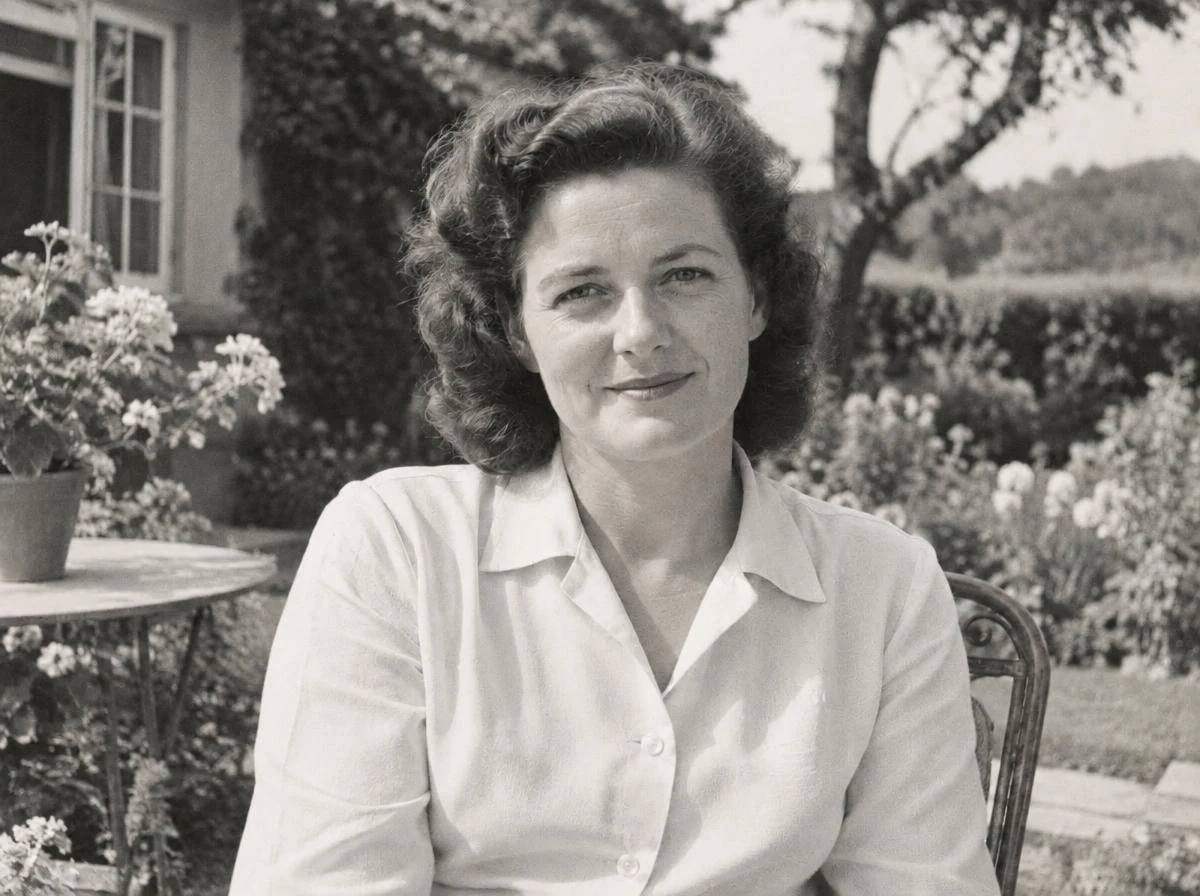
Improve a faded or lightly damaged scan first. Keep the untouched original as your reference.

After restoration, create a separate colorized version. AI estimates colors; they may differ from the historical scene.

Use deblurring when edges look smeared. If you see grain instead, start with noise reduction.

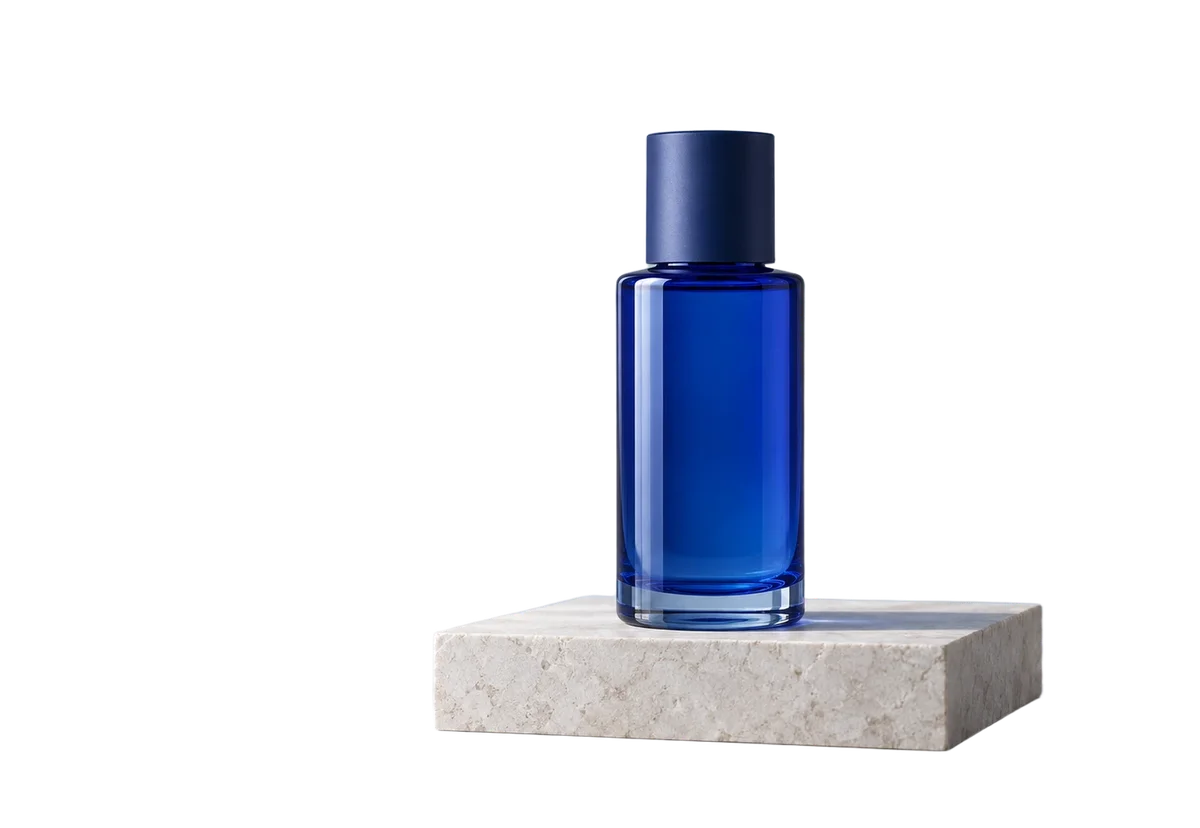
Remove the background and export transparent PNG for a layout, product listing or collage. Check hair and glass edges.
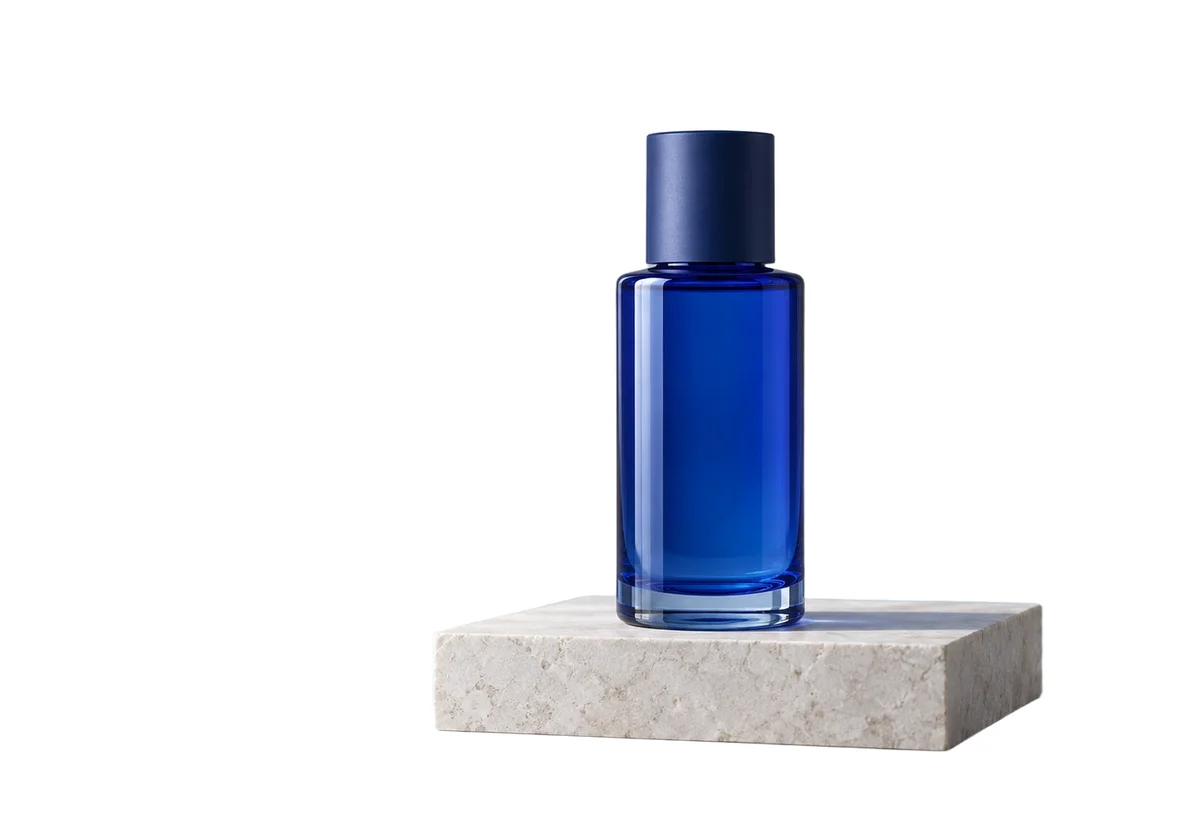
Place your cutout on pure white. Review the outline and crop before adding it to your catalog.

Choose an exact solid background color after isolating the subject. Use AI editing for a whole new scene.
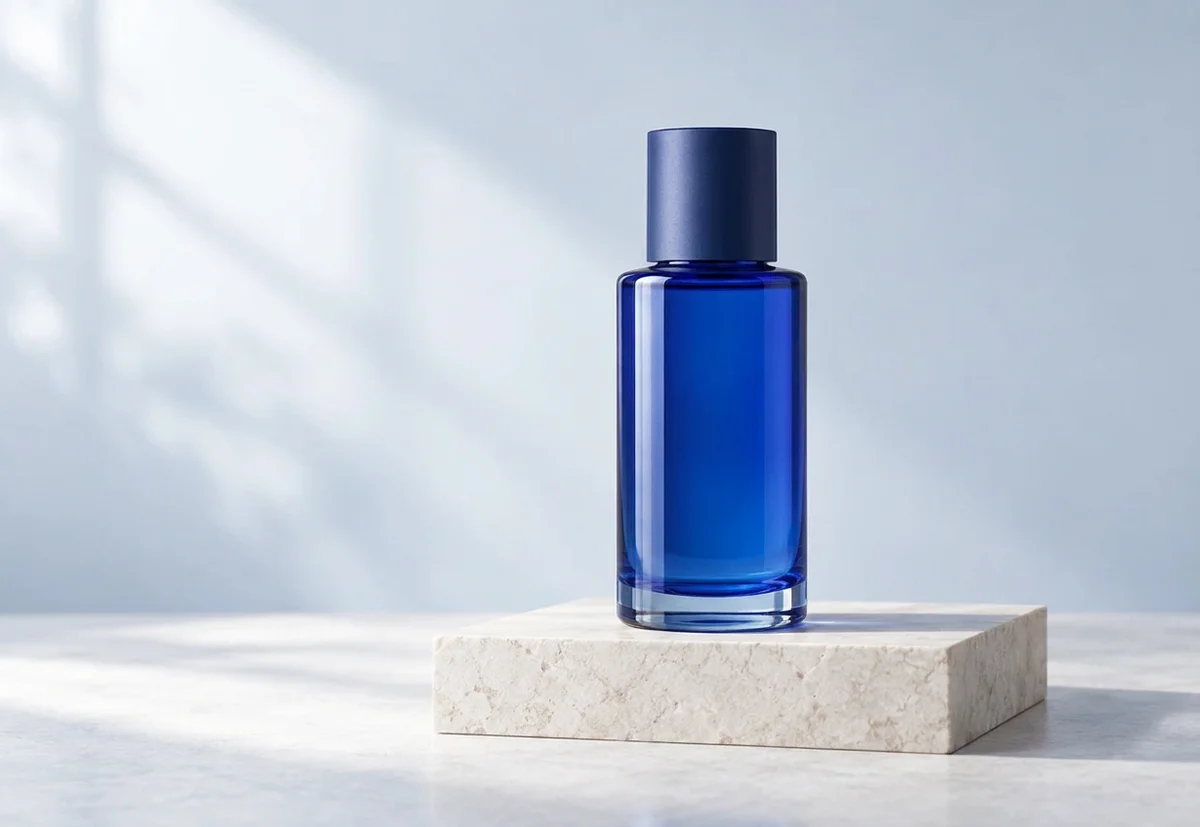
Describe a lighting or background change. Open the full editor for cropping, text and layers; verify any important writing.
BUILT FOR THE FIRST EDIT
Enhance My Photo keeps the first pass fast to understand: choose a scene, set the output, and see the exact credit quote before processing.
Bring structure back to soft, compressed, or low-detail images.
01Give faces, objects, and small text a more legible finish.
02Upload your original without resizing, and keep the dimensions returned by the AI.
03Export in the format that suits your next step.
04A CLEAR THREE-STEP LOOP
Upload your photo, choose a scene and quality level, then compare and download the enhanced result.
 Upload safely
Your file is checked for type, dimensions, pixels, and ownership before it enters a task.
 Let the queue work
Watch the task move from submission to processing without needing to understand the technical setup.
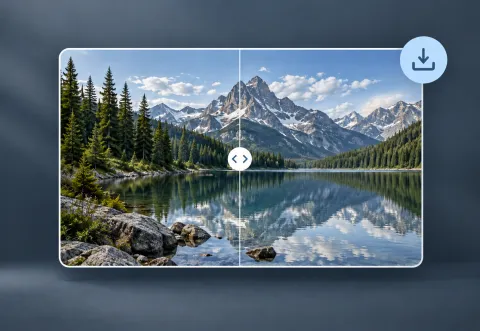 Compare and download
Review the before and after result, then keep the output or remove the task.
TWO WAYS TO ENHANCE
Flash is made for a quick everyday pass. Pro is for images where texture and fine detail deserve another look.
Fast, efficient enhancement for everyday photos.
Generative enhancement may reconstruct missing details; portraits, products, and text automatically use protective processing.
A WORKFLOW YOU CAN TRUST
As a visitor, download your result before leaving or refreshing the page. New enhancements created while signed in are saved to your task history for your account’s retention period.
CREDITS THAT STAY LEGIBLE
Try photo enhancement for free, no signup required. Sign in for daily free-account credits, or choose a paid plan when you need more.
SMALL CHOICES, BETTER OUTPUT
Choose a scene that suits your photo, with tips for natural-looking faces, clear product edges, and readable text.
 Keep faces natural
Use the portrait starting point when skin texture and eyes need the most attention.
Give edges roomUse the product scene to protect object structure and brand details while the server selects a safe upscale factor.
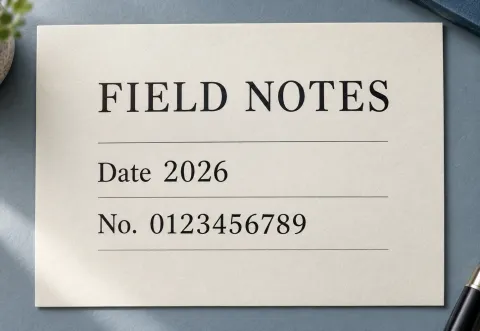 Prioritize legibility
Use the text starting point for screenshots, labels, and scanned pages.
ANSWERS BEFORE YOU START
Find answers about free photo enhancement, supported formats, credit costs, and how long your photos remain available.
Yes. You can try photo enhancement without creating an account, subject to visitor usage limits. Download your result before leaving or refreshing the page. Sign in for daily free-account credits and to save new enhancements to your history.
Uploads accept JPEG, PNG, and WebP after server-side validation. Enhanced results are exported as JPEG, PNG or WebP.
After upload, the button shows the fixed per-image credit quote. The AI provider determines which image dimensions it supports; results are not resized afterward.
History is available for 24 hours on Free, 15 days on Starter, 30 days on Creator, and 60 days on Studio, measured from creation. Upgrades extend unexpired works; downgrades do not shorten existing deadlines. Expired history is hidden and files are cleaned up later by an administrator. Guest results are available only in the current page session and are not restored after a reload or return visit.
Yes. A single task or whole batch can be deleted in any state. Active work is canceled locally before its assets are removed. Queued and submitting photos are refunded; waiting and processing photos are not.
For occasional enhancements and personal photos.
For a steady creative workflow and regular exports.
For higher-volume professional photo work.